Zenless Zone Zero (ZZZ) Tier List Maker
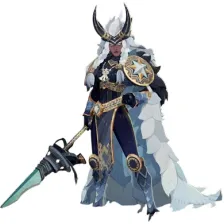
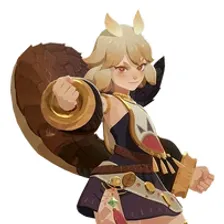
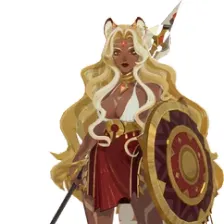
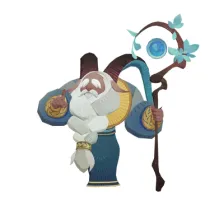
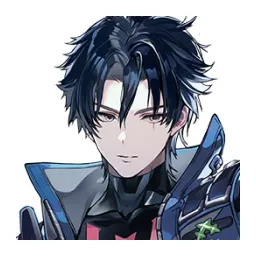
All 64 agents in Zenless Zone Zero, each with its official in-game picture, ready to rank.
Items to rank
64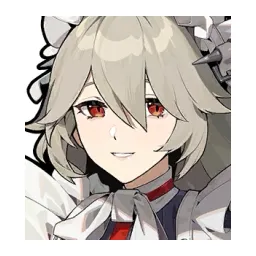 Alexandrina Sebastiane
 Alice Thymefield
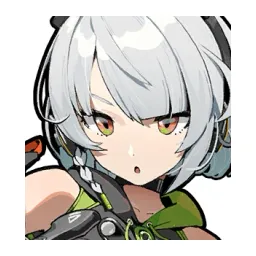 Anby Demara
 Anton Ivanov
 Aria
Aria Asaba Harumasa
 Astra Yao
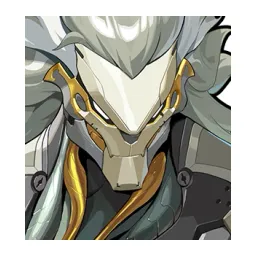 Banyue
 Belle
Belle Ben Bigger
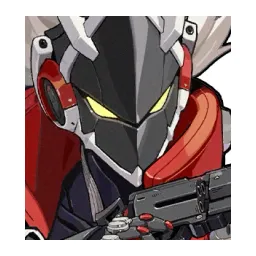 Billy Kid
 Burnice White
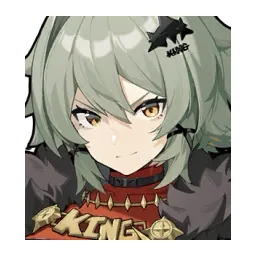 Caesar King
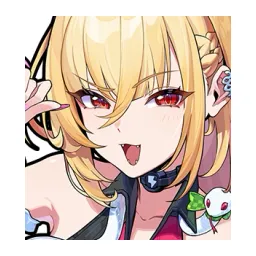 Cissia
 Claret Flint
 Corin Wickes
 Dialyn
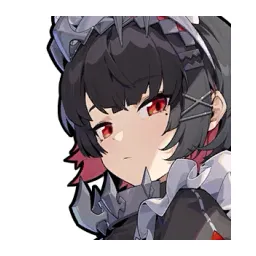 Ellen Joe
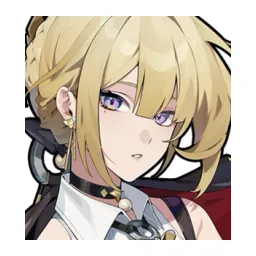 Evelyn Chevalier
 Grace Howard
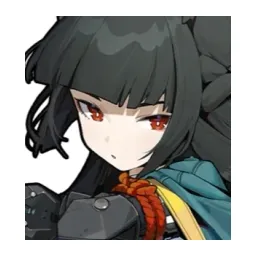 Hoshimi Miyabi
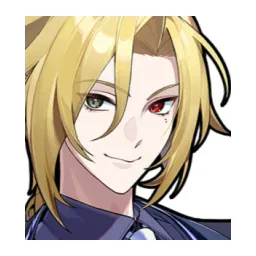 Hugo Vlad
 Jane Doe
 Ju Fufu
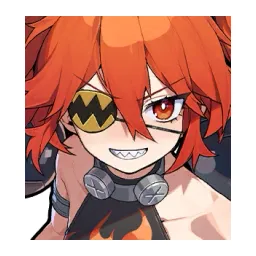 Koleda Belobog
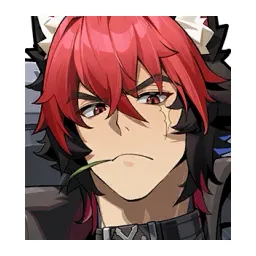 Komano Manato
 Lighter
 Lucia Elowen
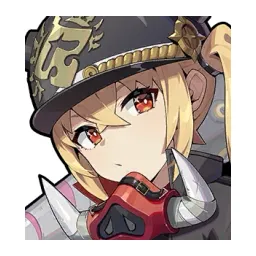 Luciana de Montefio
 Nangong Yu
 Nekomiya Mana
 Nicole Demara
 Norma Hollowell
 Orphie Magnusson & Magus
 Pan Yinhu
 Phoenix Reffaella
 Piper Wheel
 Promeia
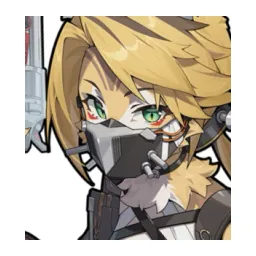 Pulchra Fellini
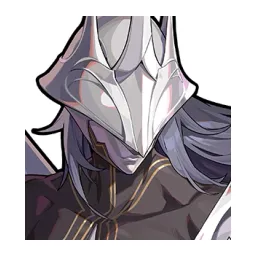 Pyrois
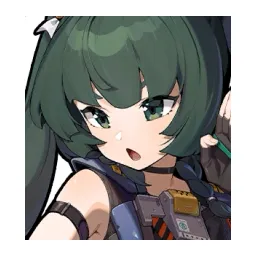 Qingyi
 Remielle Dan
 Roxy Ifrita Pryce
 Seed
Seed Seth Lowell
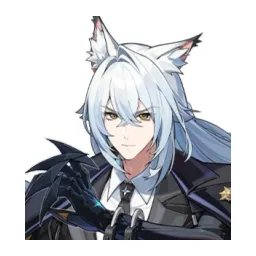 Severian Lowell
 Sigrid de L'Azur
 Soldier 0 - Anby
 Soldier 11
 Soukaku
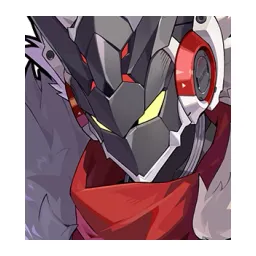 Starlight - Billy Kid
 Sunna
Sunna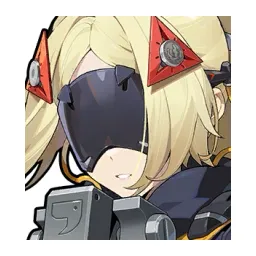 Trigger
 Tsukishiro Yanagi
 Ukinami Yuzuha
 Velina Airgid
 Vivian Banshee
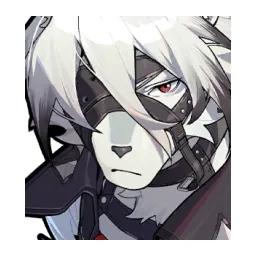 Von Lycaon
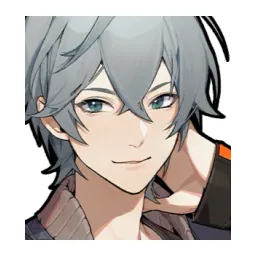 Wise
Wise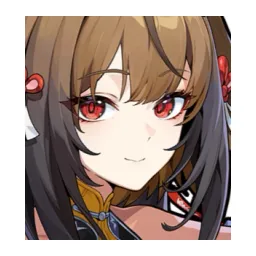 Ye Shunguang
 Yidhari Murphy
 Yixuan
 Zhao
Zhao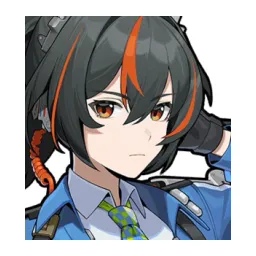 Zhu Yuan
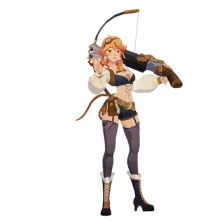
Drag the 64 items below into the tiers that match how you rank them. Rename any row, change its colour, add your own pictures, then save the chart as an image.


































How to rank Zenless Zone Zero (ZZZ)
Drag Alexandrina Sebastiane into the row you think it belongs in and the rest becomes easier, because every later choice is a comparison rather than a guess. If two items keep swapping places, put them side by side in the same tier and move on. A tier list is meant to settle arguments, not start them with yourself.
What the tiers mean here
A lot of Zenless Zone Zero (ZZZ) rankings sort by raw strength, but power is not the only axis. Ease of use, how well something fits the rest of your team, and how much you enjoy playing it are all fair reasons to put Luciana de Montefio above Sunna.
About this set
This set holds 64 items, filed under Gacha Games. Every item comes with a picture, taken from the game's own art and its community wiki. Nothing is fixed: add your own images, rename a tier, change the colours, or delete anything you do not care about before you start.
Questions about this tier list
How many items are in the Zenless Zone Zero (ZZZ) tier list?
Can I add something that is missing from Zenless Zone Zero (ZZZ)?
How do I share my Zenless Zone Zero (ZZZ) ranking?
Ready to make a tier list?
Scroll back up, add your items, drag them into tiers and download the image. No sign-up, and nothing you make is stored on our servers.