Arknights Endfield Tier List Maker
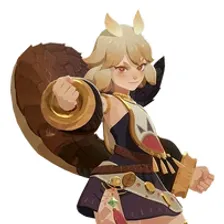
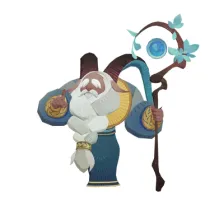
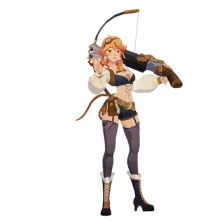
All 32 operators in Arknights: Endfield, each with its official in-game picture, ready to rank.
Items to rank
32 Akekuri
 Alesh
Alesh Antal
Antal Arcane
 Arclight
 Ardelia
 Avywenna
 Camille
 Catcher
 Chen Qianyu
 Da Pan
 Ember
Ember Endministrator
 Estella
 Fluorite
 Gilberta
 Laevatain
 Last Rite
 Lifeng
 Liino
Liino Mi Fu
Mi Fu Perlica
 Pogranichnik
 Purrchena
 Rossi
Rossi Snowshine
 Tangtang
 Typhoeus
 Wulfgard
 Xaihi
Xaihi Yvonne
 Zhuang Fangyi
Drag the 32 items below into the tiers that match how you rank them. Rename any row, change its colour, add your own pictures, then save the chart as an image.










































How to rank Arknights Endfield
Drag Akekuri into the row you think it belongs in and the rest becomes easier, because every later choice is a comparison rather than a guess. If two items keep swapping places, put them side by side in the same tier and move on. A tier list is meant to settle arguments, not start them with yourself.
What the tiers mean here
S tier is normally the picks that win games on their own, A the reliable ones, and the bottom rows the picks that need a lot of work to pay off. Favourites count too, so if Akekuri is your main it can sit in S whatever anyone else says.
About this set
There are 32 items here in the Gacha Games section, each with its own picture. taken from the game's own art and its community wiki. You can edit the set freely, so add what is missing, drop what you do not want, and the chart is yours.
Questions about this tier list
How many items are in the Arknights Endfield tier list?
Can I add something that is missing from Arknights Endfield?
How do I share my Arknights Endfield ranking?
Ready to make a tier list?
Scroll back up, add your items, drag them into tiers and download the image. No sign-up, and nothing you make is stored on our servers.