AFK Journey Tier List Maker
All 125 heroes in AFK Journey, each with its official in-game picture, ready to rank.
Items to rank
125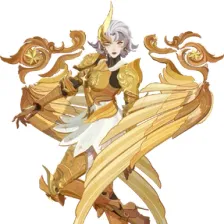 Aliceth
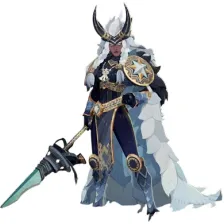 Alna
Alna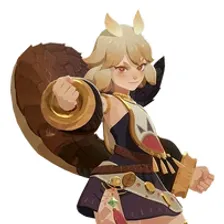 Alsa
Alsa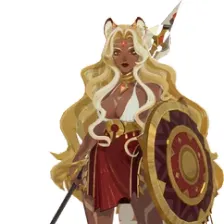 Antandra
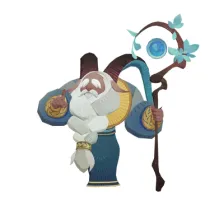 Arden
Arden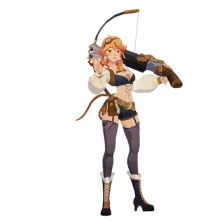 Atalanta
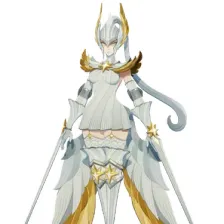 Athalia
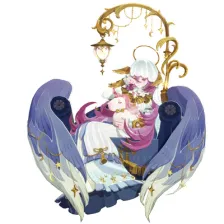 Aurora
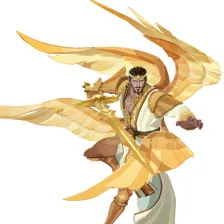 Baelran
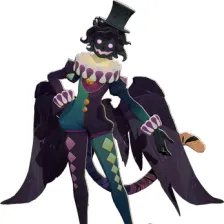 Berial
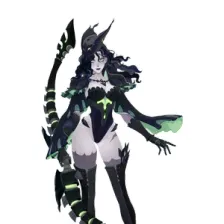 Bonnie
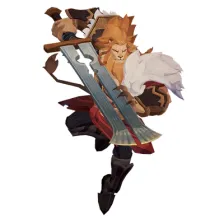 Brutus
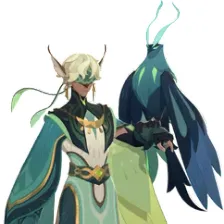 Bryon
Bryon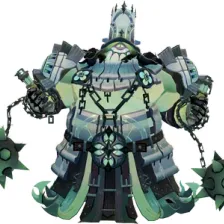 Callan
 Carolina
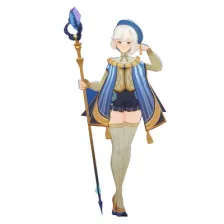 Cassadee
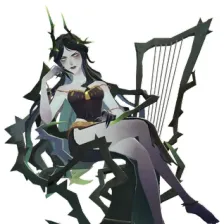 Cecia
Cecia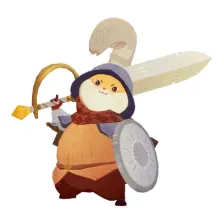 Chippy
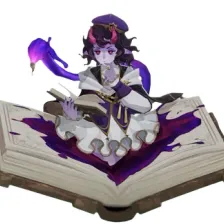 Contess
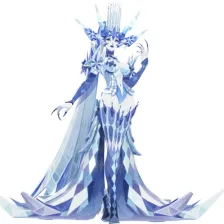 Cryonaia
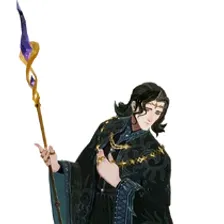 Cyran
Cyran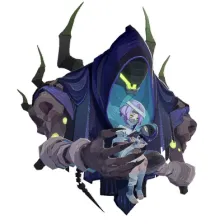 Daimon
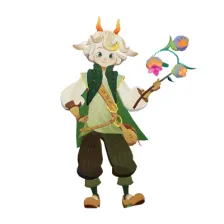 Damian
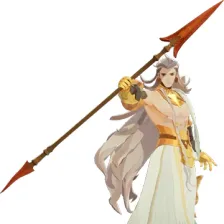 Dionel
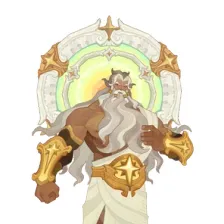 Dunlingr
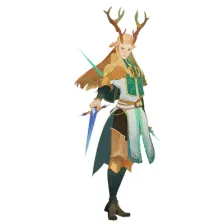 Eironn
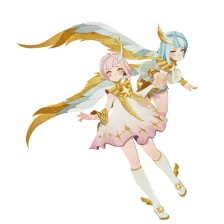 Elijah & Lailah
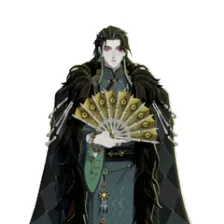 Eryndor
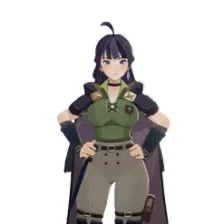 Evie
Evie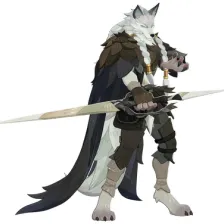 Faramor
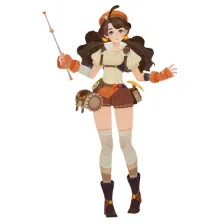 Fay
Fay Florabelle
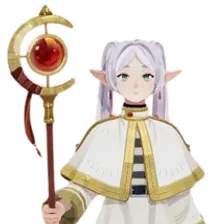 Frieren
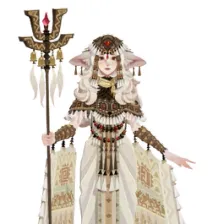 Galahad
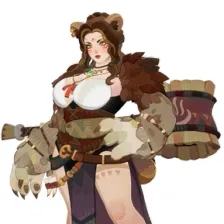 Gerda
Gerda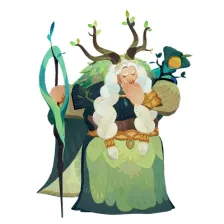 Granny Dahnie
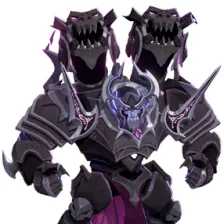 Gunnar
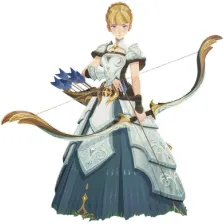 Gwyneth
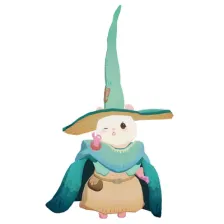 Hammie
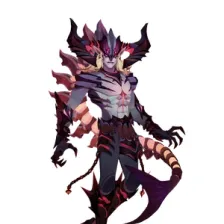 Harak
Harak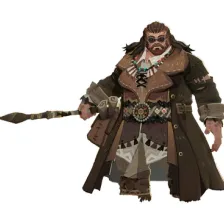 Hepler
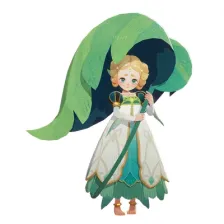 Hewynn
 Himmel
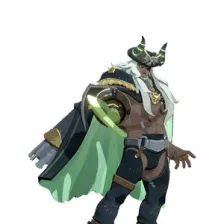 Hodgkin
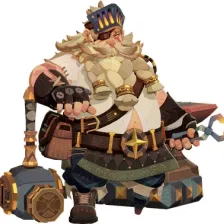 Hugin
Hugin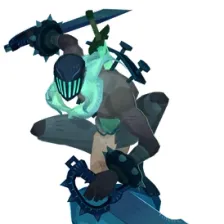 Igor
Igor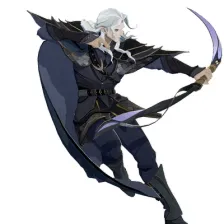 Indris
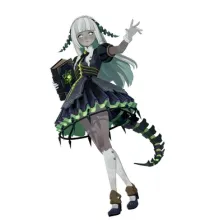 Isabella
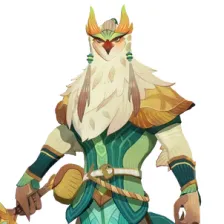 Kafra
Kafra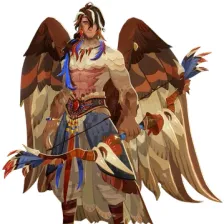 Kazim
Kazim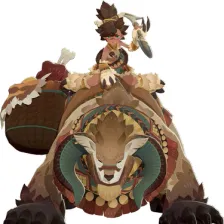 Koko
Koko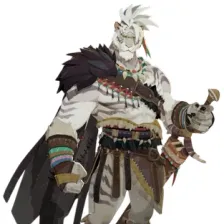 Kordan
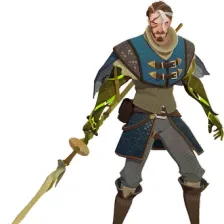 Korin
Korin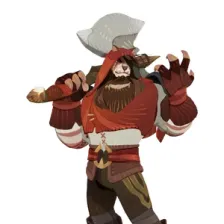 Kruger
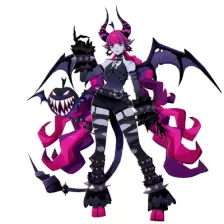 Kulu
Kulu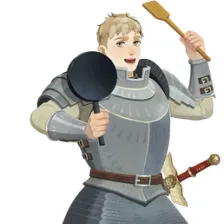 Laios
Laios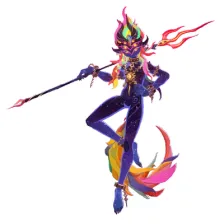 Lamentis
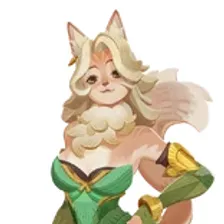 Lenya
Lenya Lily May
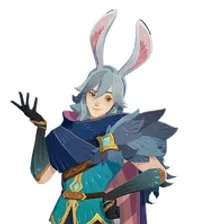 Lorsan
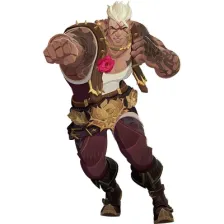 Lucca
Lucca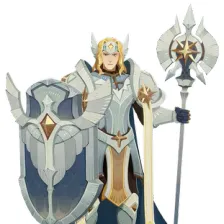 Lucius
 Lucy
Lucy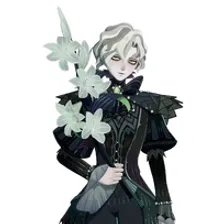 Ludovic
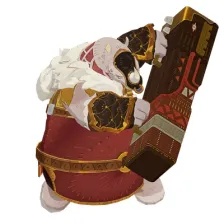 Lumont
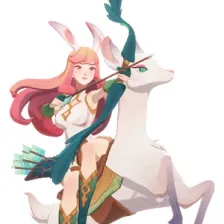 Lyca
Lyca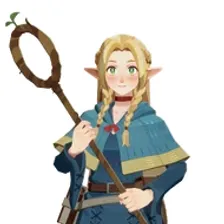 Marcille
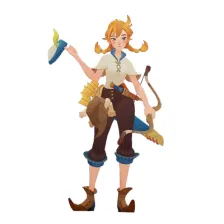 Marilee
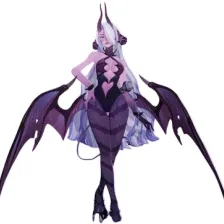 Mehira
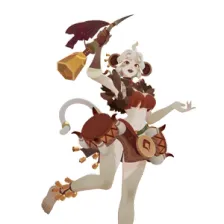 Mikola
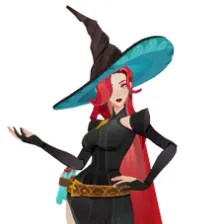 Mirael
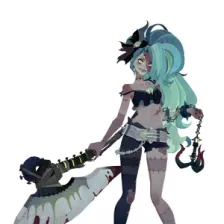 Nara
Nara Natsu
Natsu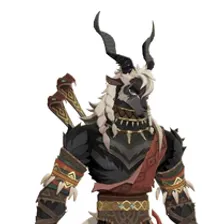 Nazrik
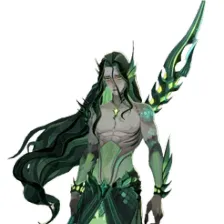 Nerion
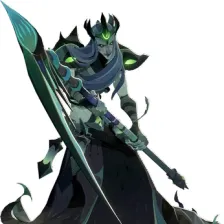 Niru
Niru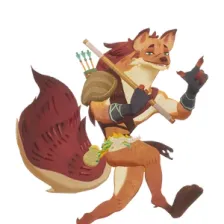 Odie
Odie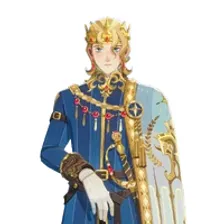 Orion
Orion Pandora
 Pang
Pang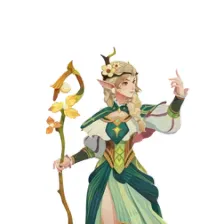 Parisa
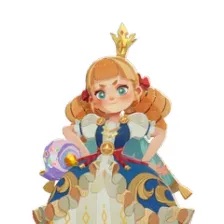 Peggy
Peggy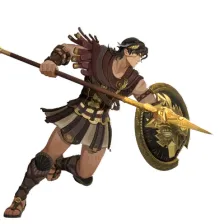 Perseus
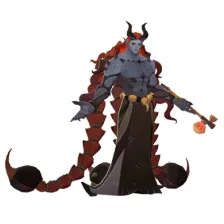 Phraesto
 Pippa
Pippa Ravion
 Reinier
 Rhys
Rhys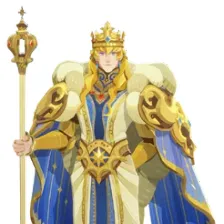 Rolan
Rolan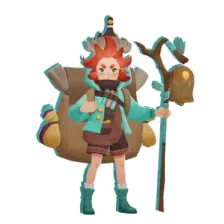 Rowan
Rowan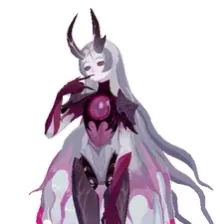 Saida
Saida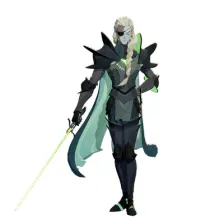 Salazer
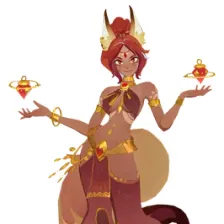 Satrana
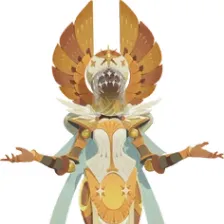 Scarlita
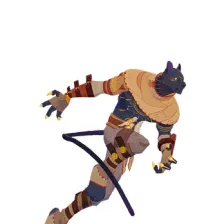 Seth
Seth Shadewing
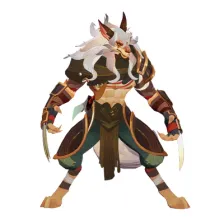 Shakir
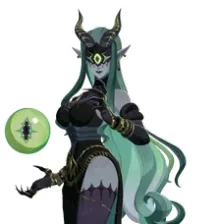 Shemira
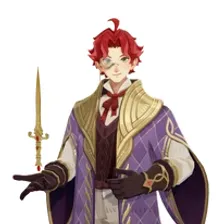 Silven
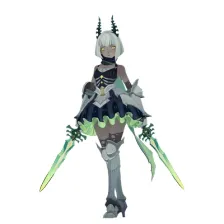 Silvina
 Sinbad
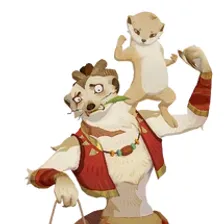 Smokey & Meerky
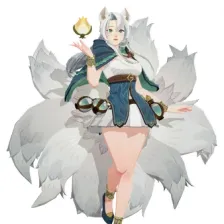 Solise
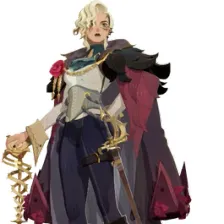 Sonja
Sonja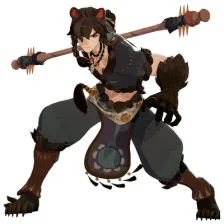 Soren
Soren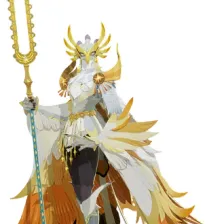 Sylphira
 Taichi & Agumon
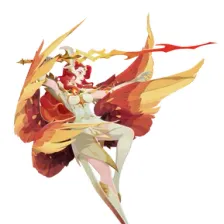 Talene
 Tasi
Tasi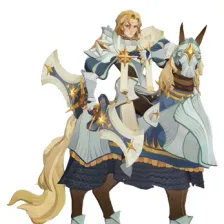 Temesia
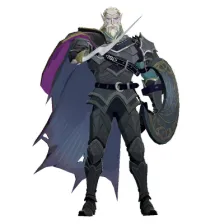 Thador
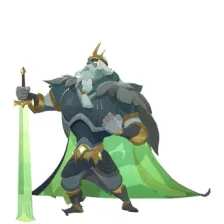 Thoran
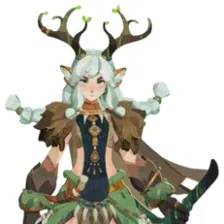 Tilaya
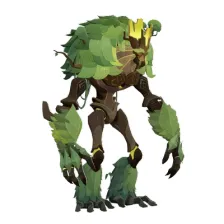 Ulmus
Ulmus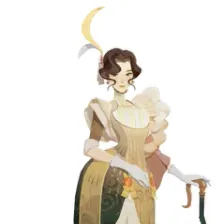 Vala
Vala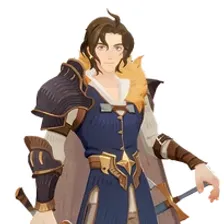 Valen
Valen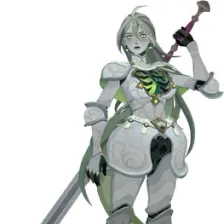 Valka
Valka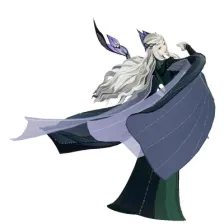 Velara
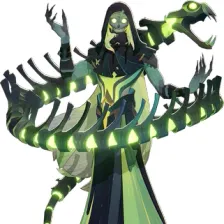 Viperian
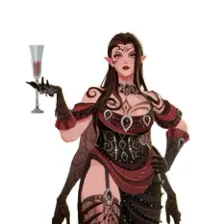 Voracia
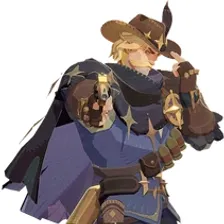 Walker
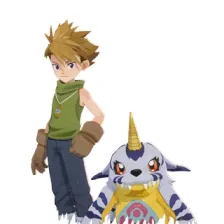 Yamato & Gabumon
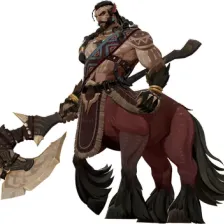 Zandrok
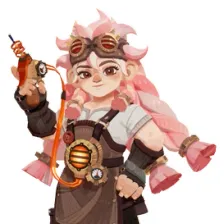 Zanie
Zanie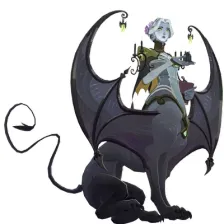 Zorya
ZoryaDrag the 125 items below into the tiers that match how you rank them. Rename any row, change its colour, add your own pictures, then save the chart as an image.














































How to rank AFK Journey
The quickest way through 125 items is to make two passes. On the first pass place only the ones you are certain about, such as Aliceth or Sinbad. On the second pass compare what is left against the items already in a tier, which is far easier than ranking from an empty board.
What the tiers mean here
S tier is normally the picks that win games on their own, A the reliable ones, and the bottom rows the picks that need a lot of work to pay off. Favourites count too, so if Aliceth is your main it can sit in S whatever anyone else says.
About this set
There are 125 items here in the Gacha Games section, each with its own picture. taken from the game's own art and its community wiki. You can edit the set freely, so add what is missing, drop what you do not want, and the chart is yours.
Questions about this tier list
How many items are in the AFK Journey tier list?
Can I add something that is missing from AFK Journey?
How do I share my AFK Journey ranking?
Ready to make a tier list?
Scroll back up, add your items, drag them into tiers and download the image. No sign-up, and nothing you make is stored on our servers.