Genshin Impact Tier List Maker
All 132 playable characters in Genshin Impact, each with its official in-game picture, ready to rank.
Items to rank
132 Aether
 Aino
Aino Albedo
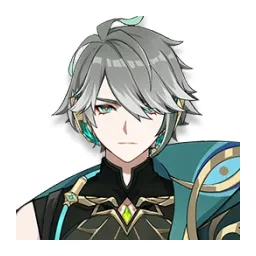 Alhaitham
 Aloy
Aloy Alyosha
 Amber
Amber Arataki Itto
 Arlecchino
 Baizhu
 Barbara
 Beidou
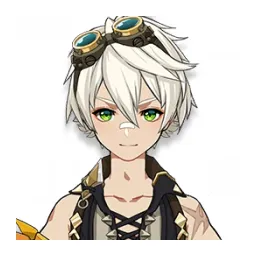 Bennett
 Candace
 Charlotte
 Chasca
 Chevreuse
 Chiori
 Chongyun
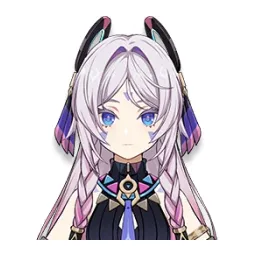 Citlali
 Clorinde
 Collei
 Columbina
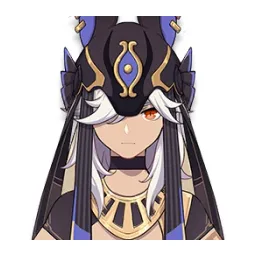 Cyno
Cyno Dahlia
 Dehya
Dehya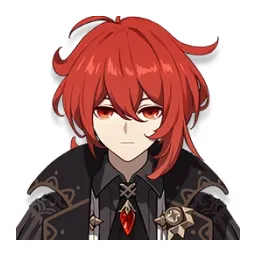 Diluc
Diluc Diona
Diona Dori
Dori Durin
Durin Emilie
 Escoffier
 Eula
Eula Faruzan
 Fischl
 Flins
Flins Freminet
 Furina
 Gaming
 Ganyu
Ganyu Gorou
Gorou Hu Tao
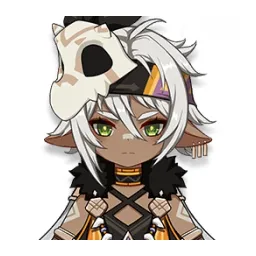 Iansan
 Ifa
Ifa Illuga
 Ineffa
 Jahoda
 Jean
Jean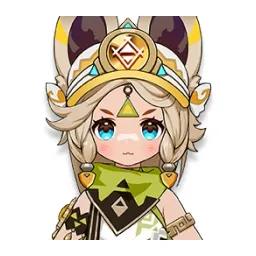 Kachina
 Kaedehara Kazuha
 Kaeya
Kaeya Kamisato Ayaka
 Kamisato Ayato
 Kaveh
Kaveh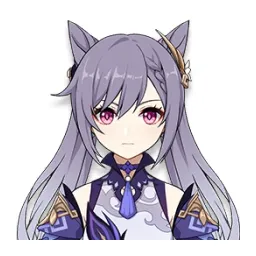 Keqing
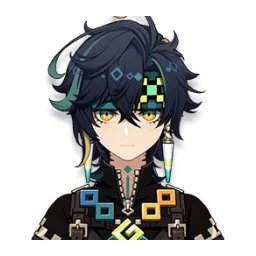 Kinich
 Kirara
 Klee
Klee Kujou Sara
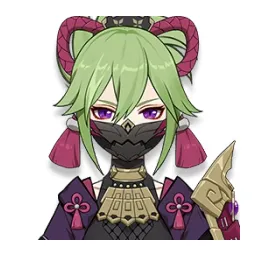 Kuki Shinobu
 Lan Yan
 Lauma
Lauma Layla
Layla Linnea
 Lisa
Lisa Lohen
Lohen Lumine
 Lynette
 Lyney
Lyney Manekin
 Manekina
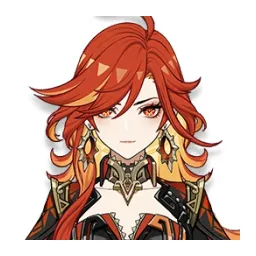 Mavuika
 Mika
Mika Mona
Mona Mualani
 Nahida
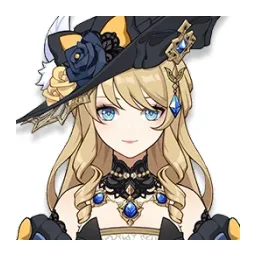 Navia
Navia Nefer
Nefer Neuvillette
 Nicole
 Nilou
Nilou Ningguang
 Noelle
 Odette
 Ororon
 Prune
Prune Qiqi
Qiqi Raiden Shogun
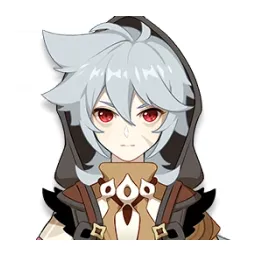 Razor
Razor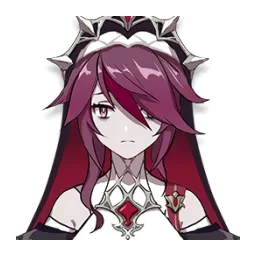 Rosaria
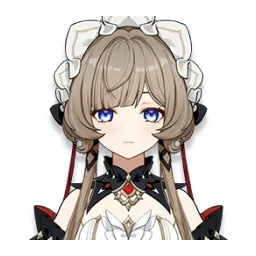 Sandrone
 Sangonomiya Kokomi
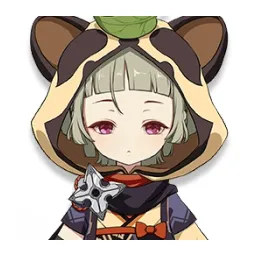 Sayu
Sayu Sethos
 Shenhe
 Shikanoin Heizou
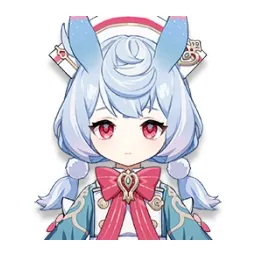 Sigewinne
 Skirk
Skirk Sucrose
 Tartaglia
 Thoma
Thoma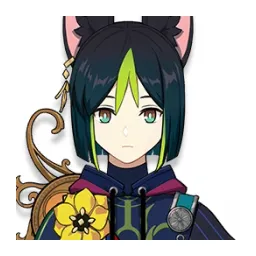 Tighnari
 Traveler
 Traveler (Anemo)
 Traveler (Cryo)
 Traveler (Dendro)
 Traveler (Electro)
 Traveler (Geo)
 Traveler (Hydro)
 Traveler (Pyro)
 Traveler (Unaligned)
 Varesa
 Varka
Varka Venti
Venti Wanderer
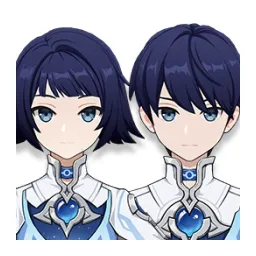 Wonderland Manekin
 Wriothesley
 Xiangling
 Xianyun
 Xiao
Xiao Xilonen
 Xingqiu
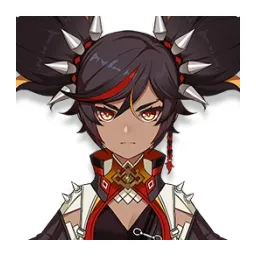 Xinyan
 Yae Miko
 Yanfei
 Yaoyao
 Yelan
Yelan Yoimiya
 Yumemizuki Mizuki
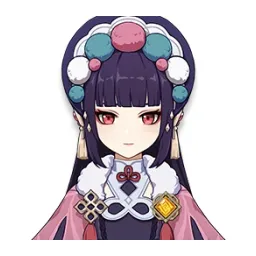 Yun Jin
 Zhongli
 Zibai
ZibaiDrag the 132 items below into the tiers that match how you rank them. Rename any row, change its colour, add your own pictures, then save the chart as an image.
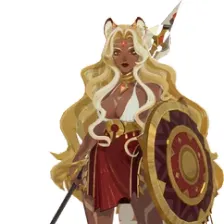
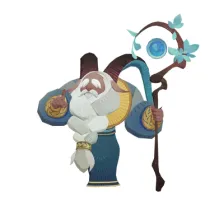
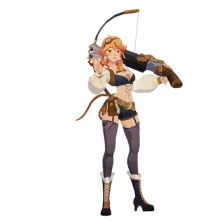








































How to rank Genshin Impact
Start with the ones you already feel strongly about. Aether and Kuki Shinobu usually land in a tier within a second, and once the obvious picks are placed the 132 items left in the middle are the ones worth thinking about. Move anything you are unsure of into one row, then split that row in two.
What the tiers mean here
S tier is normally the picks that win games on their own, A the reliable ones, and the bottom rows the picks that need a lot of work to pay off. Favourites count too, so if Aether is your main it can sit in S whatever anyone else says.
About this set
There are 132 items here in the Gacha Games section, each with its own picture. taken from the game's own art and its community wiki. You can edit the set freely, so add what is missing, drop what you do not want, and the chart is yours.
Questions about this tier list
How many items are in the Genshin Impact tier list?
Can I add something that is missing from Genshin Impact?
How do I share my Genshin Impact ranking?
Ready to make a tier list?
Scroll back up, add your items, drag them into tiers and download the image. No sign-up, and nothing you make is stored on our servers.