Anime and Manga Tier List Templates
Characters, openings, story arcs and whole series, ready to argue over.



Anime Genres



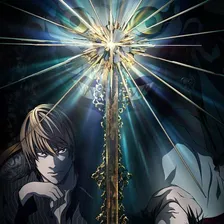

Popular Anime Series


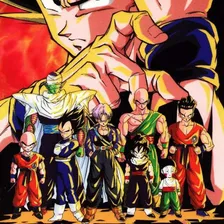
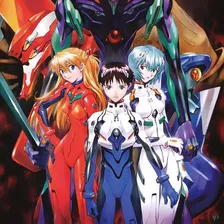


Anime Openings






Shonen Protagonists






Anime Studios





Anime Power Systems


Anime of 2000




Anime of 2001





Anime of 2002



Anime of 2003





Anime of 2004





Anime of 2005




Anime of 2006





Anime of 2007





Anime of 2008




Anime of 2009





Anime of 2010





Anime of 2011





Anime of 2012




Anime of 2013






Anime of 2014






Anime of 2015

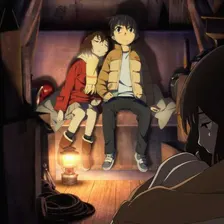
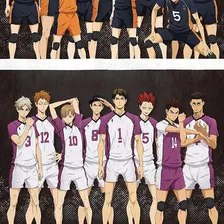

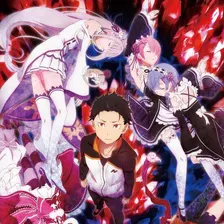
Anime of 2016




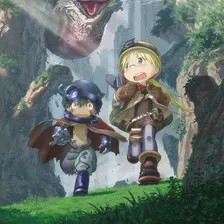

Anime of 2017

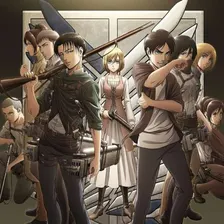




Anime of 2018

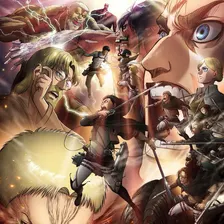
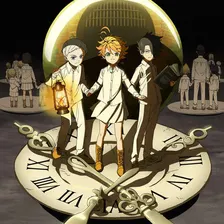
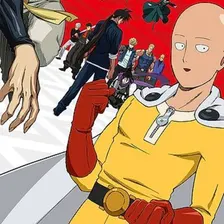


Anime of 2019






Anime of 2020
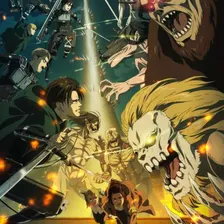

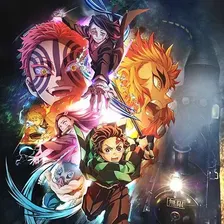
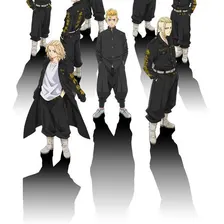


Anime of 2021
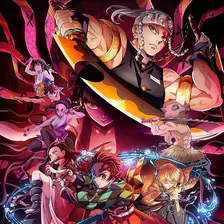





Anime of 2022




Anime of 2023

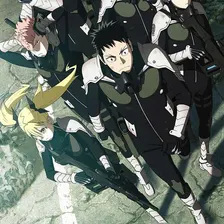


Anime of 2024
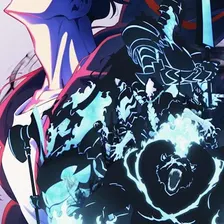
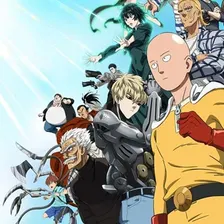


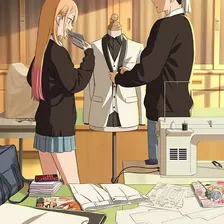

Anime of 2025





Fall 2020 Anime



Fall 2021 Anime






Fall 2022 Anime




Fall 2023 Anime





Fall 2024 Anime




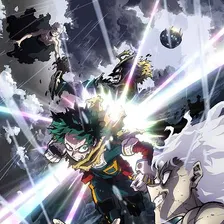
Fall 2025 Anime
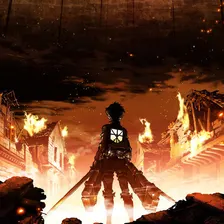




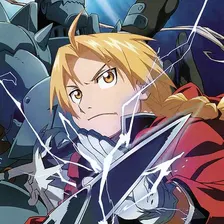
Action Anime
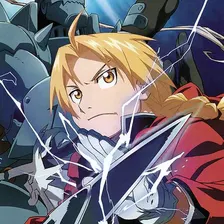




Adventure Anime






Comedy Anime
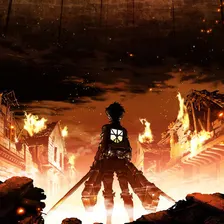

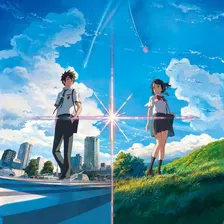



Drama Anime
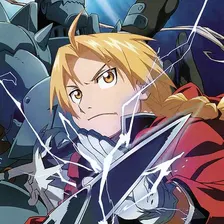




Fantasy Anime
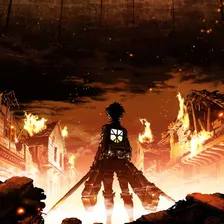
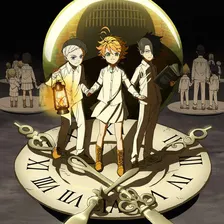

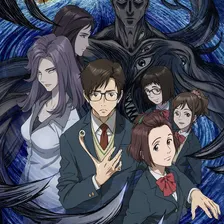


Horror Anime



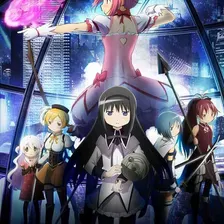
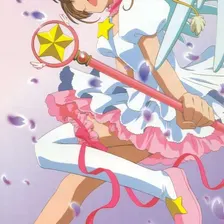
Magical Girl Anime





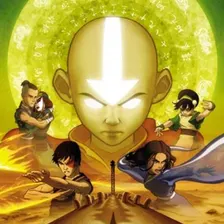
Martial Arts Anime
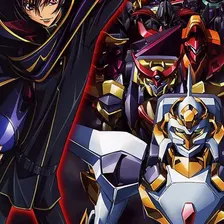

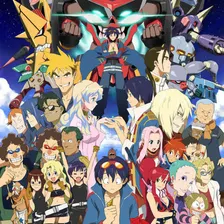
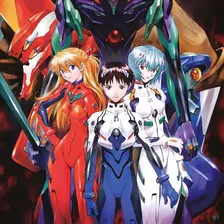
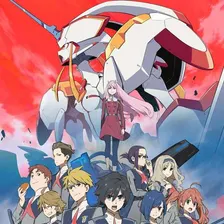

Mecha Anime

Military Anime



Mystery Anime





Parody Anime


Psychological Anime





Romance Anime




Seinen Anime





Space Anime





Sports Anime





Superpower Anime




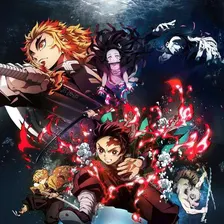
Supernatural Anime




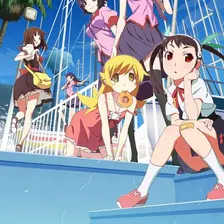

Vampire Anime




Spring 2020 Anime





Spring 2021 Anime




Spring 2022 Anime





Spring 2023 Anime

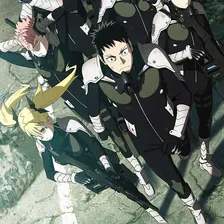




Spring 2024 Anime

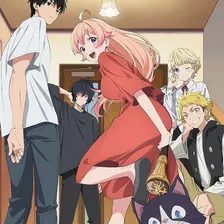




Spring 2025 Anime


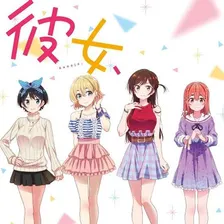



Summer 2020 Anime


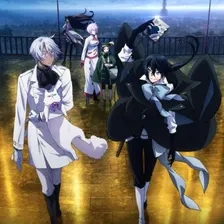



Summer 2021 Anime





Summer 2022 Anime





Summer 2023 Anime





Summer 2024 Anime




Summer 2025 Anime




Winter 2020 Anime





Winter 2021 Anime
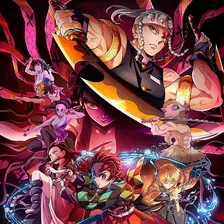





Winter 2022 Anime
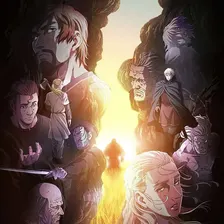
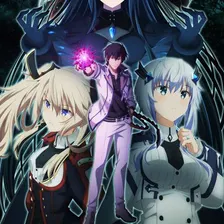

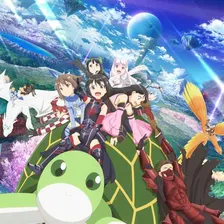


Winter 2023 Anime
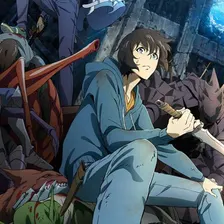
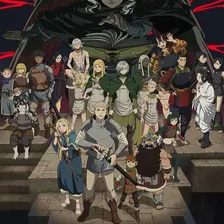


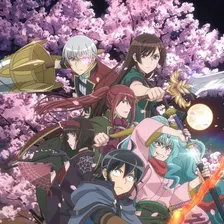

Winter 2024 Anime
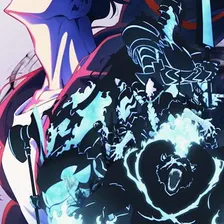




Winter 2025 Anime
Related categories
CartoonsChildhood shows, animation studios and the characters that stuck.3 templatesTV and MoviesGenres, franchises, decades and the shows nobody agrees on.25 templates
All categories
Ready to make a tier list?
Scroll back up, add your items, drag them into tiers and download the image. No sign-up, and nothing you make is stored on our servers.