Anime Rangers X Tier List Maker
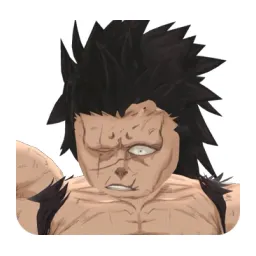
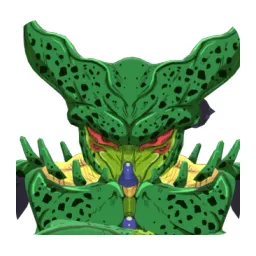
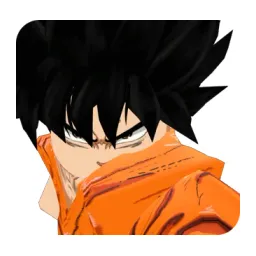
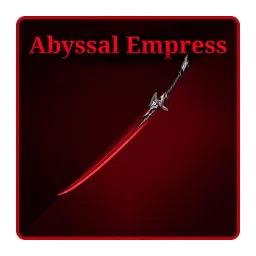
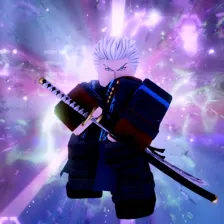
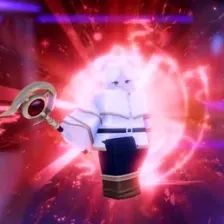
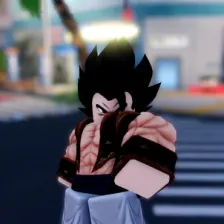
All 51 units in Anime Rangers X, each with its official in-game picture, ready to rank.
Items to rank
51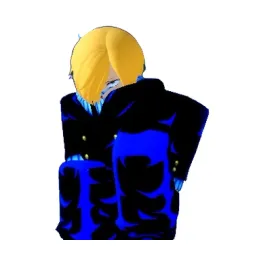 Black Leg
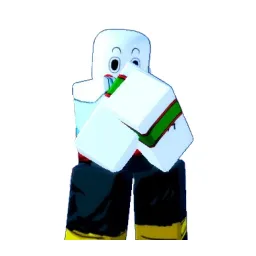 Chao
Chao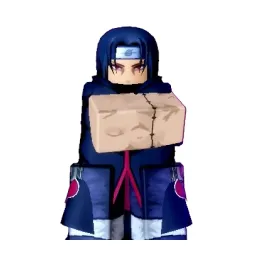 Crow Ninja
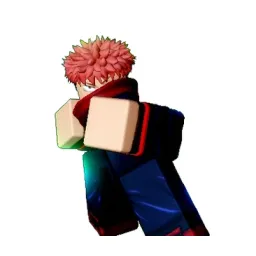 Cursed Fist
 Cursed Love
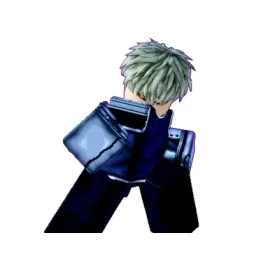 Cyborg
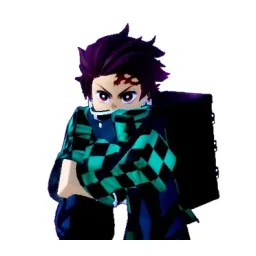 Demon Slayer
 Docter Pirate
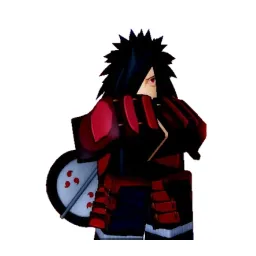 Eclipse Sorcerer
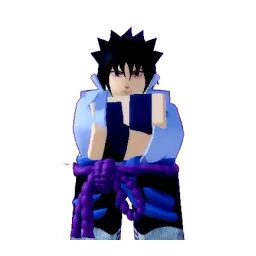 Eternal Avenger
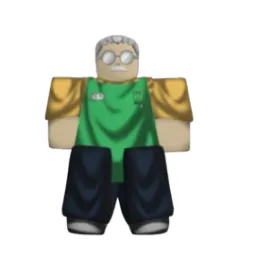 Fat Shadow
 Fire Fist
 Green Tornado
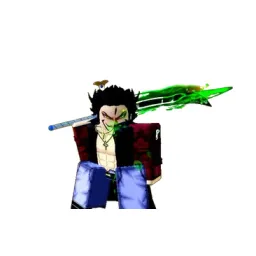 Hawk Swordsman
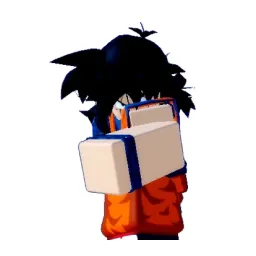 Hepburn
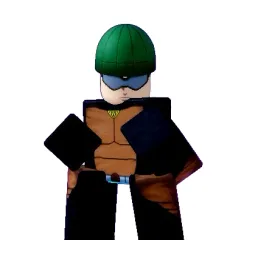 Hero on Wheels
 Killer
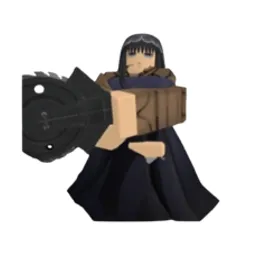 Killer Candy
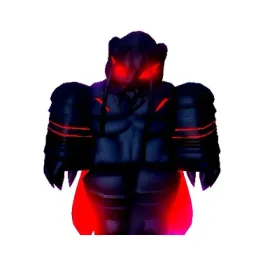 King Ant
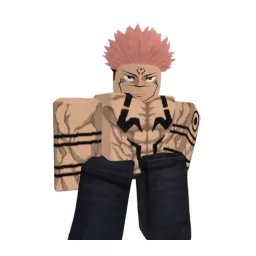 King Curses
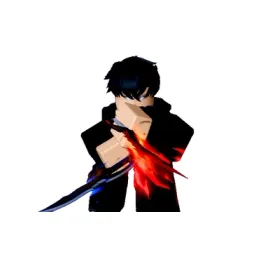 King of Shadows
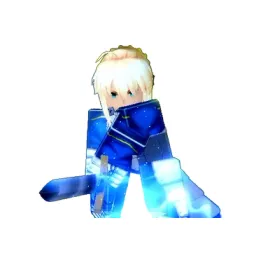 Knight King
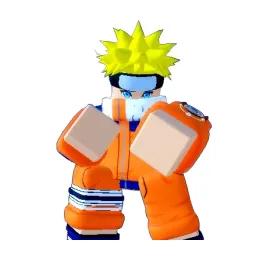 Leaf Ninja
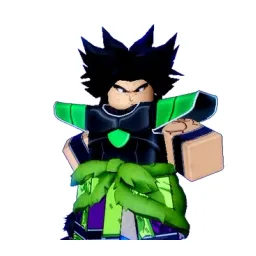 Legendary Saiyan
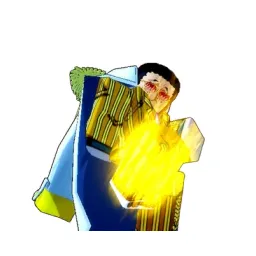 Light Admiral
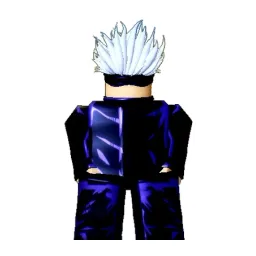 Limitless Sorcerer
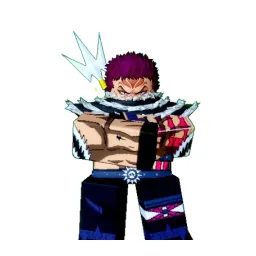 Molten Phantom
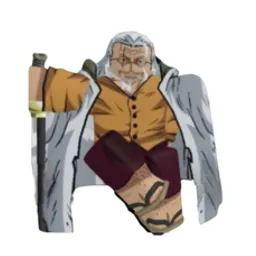 Oldfang Reaver
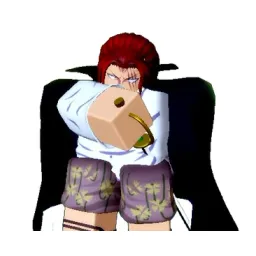 One Arm Pirate
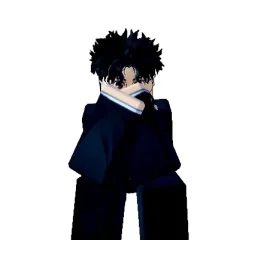 Otaku
Otaku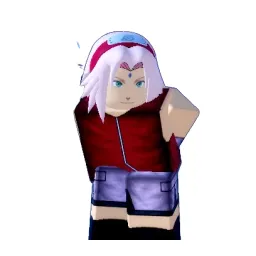 Pink Ninja
 Pirate Hunter
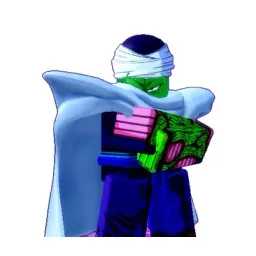 Porcoro
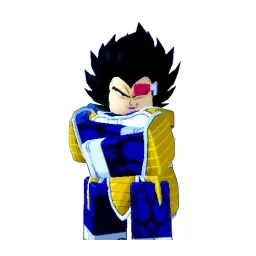 Prince
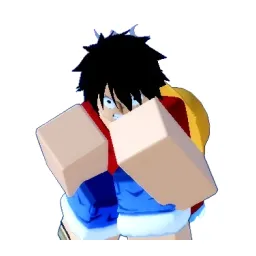 Rubber Pirate
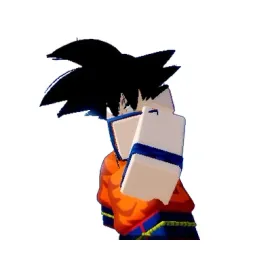 Saiyan Warrior
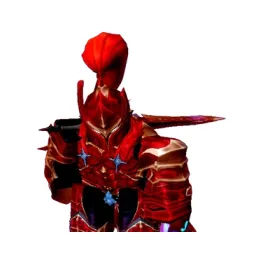 Shadow Knight
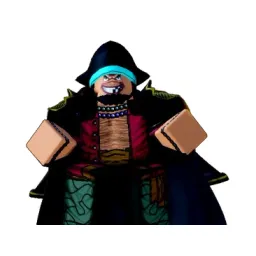 Shadow Reaver
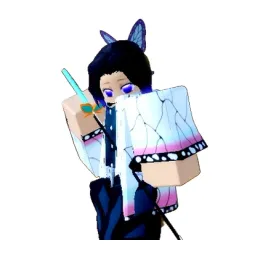 Silent Sting
 Sniper King
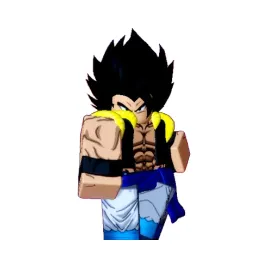 Solar Fist
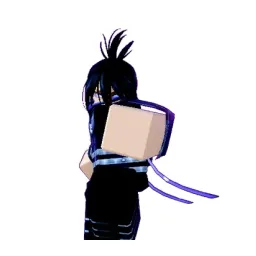 Speed Ninja
 Sunshine
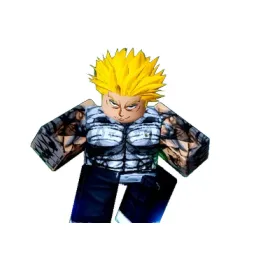 Tank Top Hero
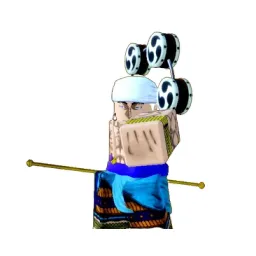 Thunder God
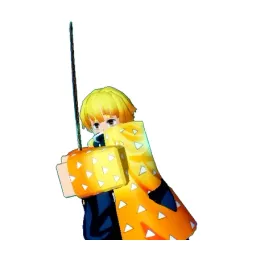 Thunder Sword
 Tidal Tyrant
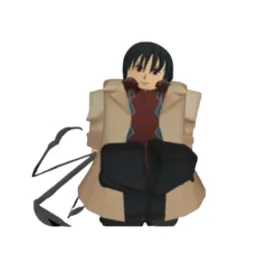 Umbrella Fang
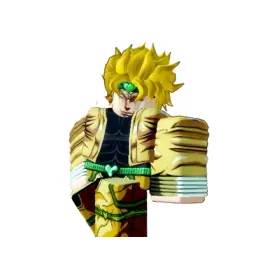 Vampire Emperor
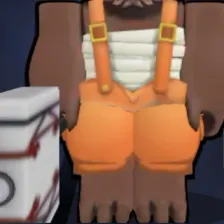 Vorpal Blacksmith
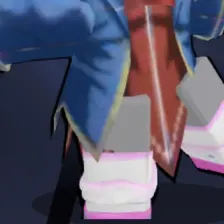 Vorpal Magician
Drag the 51 items below into the tiers that match how you rank them. Rename any row, change its colour, add your own pictures, then save the chart as an image.












How to rank Anime Rangers X
The quickest way through 51 items is to make two passes. On the first pass place only the ones you are certain about, such as Black Leg or Solar Fist. On the second pass compare what is left against the items already in a tier, which is far easier than ranking from an empty board.
What the tiers mean here
A lot of Anime Rangers X rankings sort by raw strength, but power is not the only axis. Ease of use, how well something fits the rest of your team, and how much you enjoy playing it are all fair reasons to put Leaf Ninja above Solar Fist.
About this set
This set holds 51 items, filed under Roblox Games. Every item comes with a picture, taken from the game's own art and its community wiki. Nothing is fixed: add your own images, rename a tier, change the colours, or delete anything you do not care about before you start.
Questions about this tier list
How many items are in the Anime Rangers X tier list?
Can I add something that is missing from Anime Rangers X?
How do I share my Anime Rangers X ranking?
Ready to make a tier list?
Scroll back up, add your items, drag them into tiers and download the image. No sign-up, and nothing you make is stored on our servers.