Anime Expeditions Tier List Maker
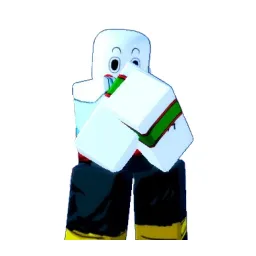
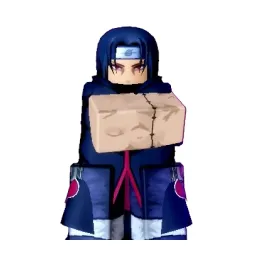
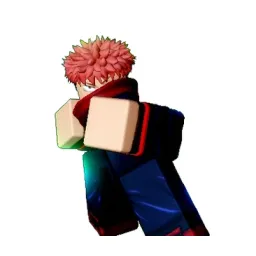
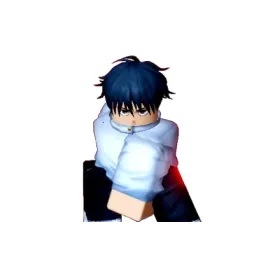
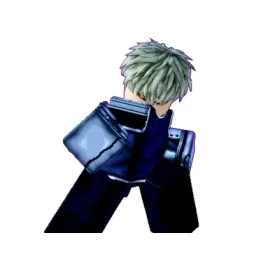
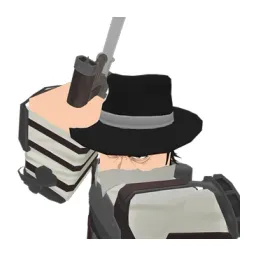
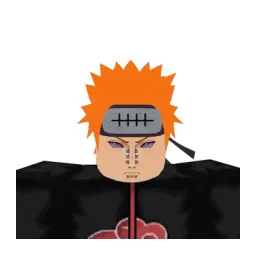
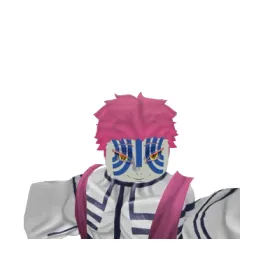
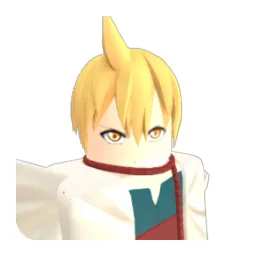
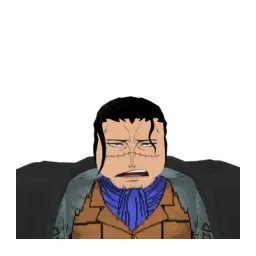
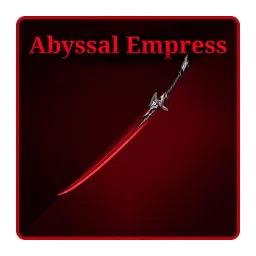
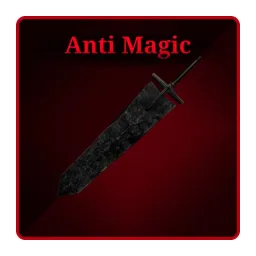
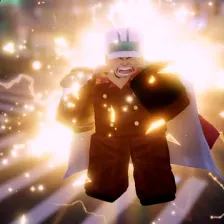
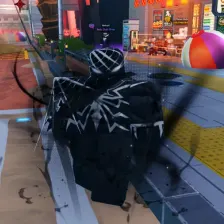
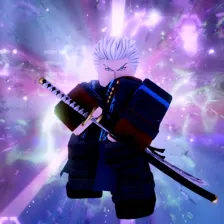
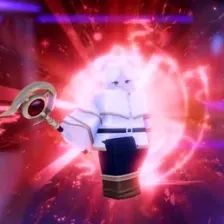
All 52 units in Anime Expeditions, each with its official in-game picture, ready to rank.
Items to rank
52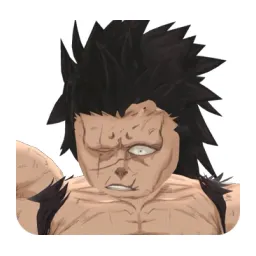 8th Sword
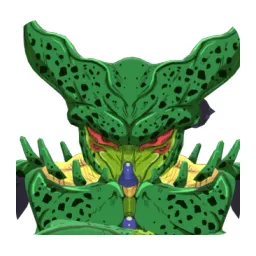 Bioinsect
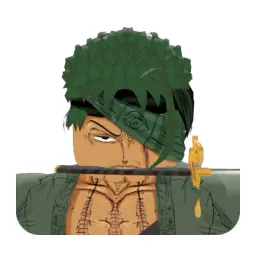 Bounty Hunter
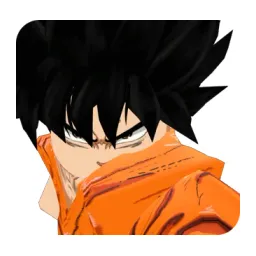 Carrot
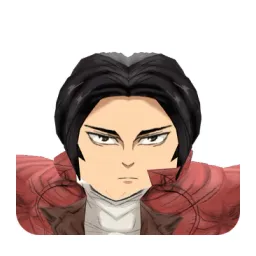 Corps Captain
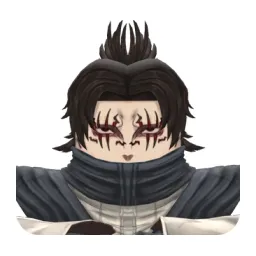 Crimson
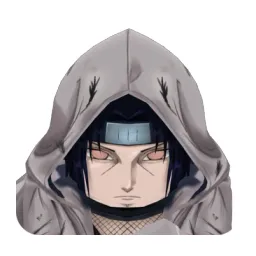 Crow
Crow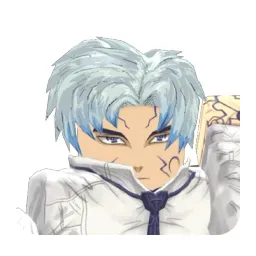 Cubert
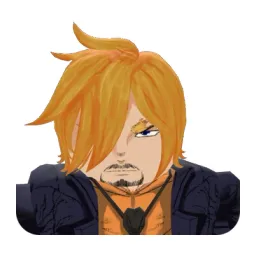 Curly Brow
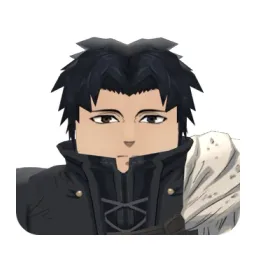 Cursed Immortal
 Cursed Student
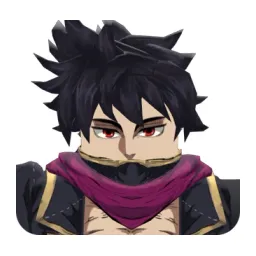 Dark Mage
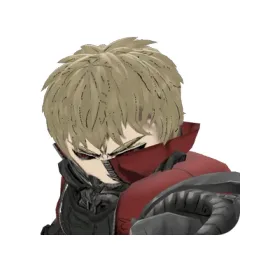 Demon Cyborg
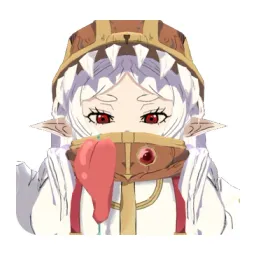 Elf Mage
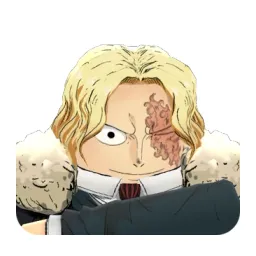 Flame Emperor
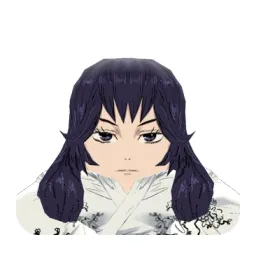 Forbidden Teacher
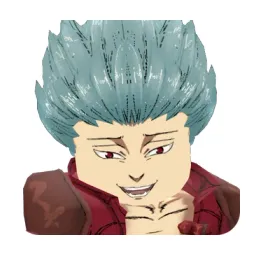 Greed
Greed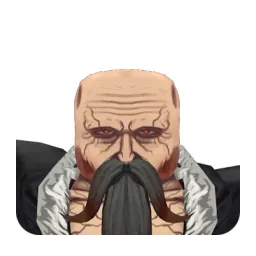 Head Captain
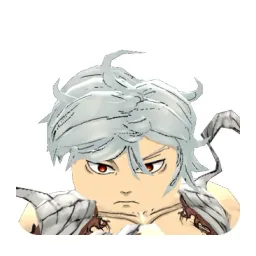 Hollow
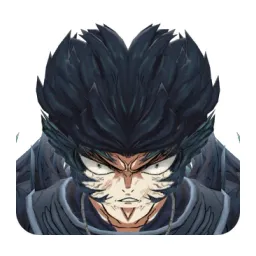 Ice Mage
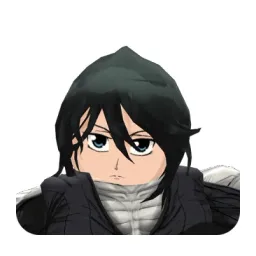 Ice Queen
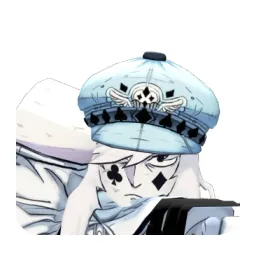 Jester
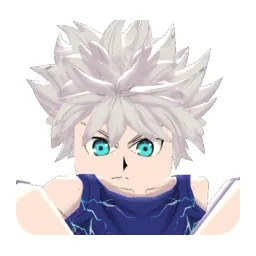 Kid Assassin
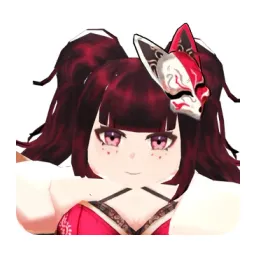 Kitsune
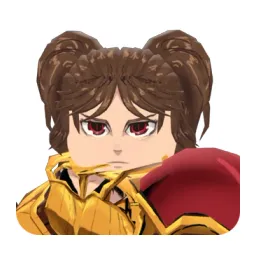 Lady Giant
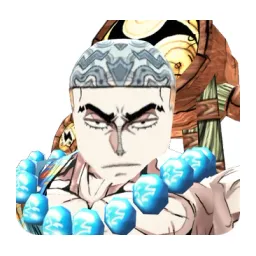 Lightning God
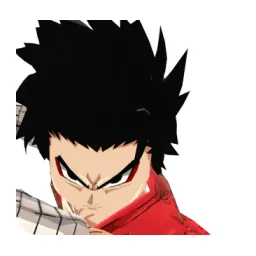 Little Carrot
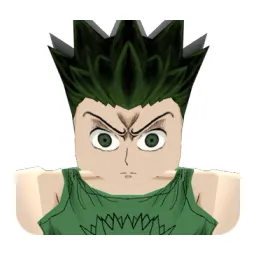 Nen Hunter
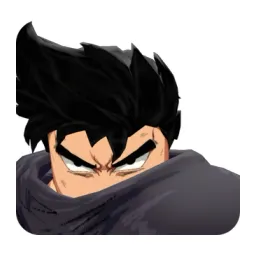 Prodigy
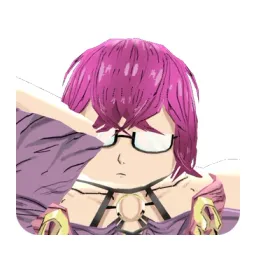 Puppet
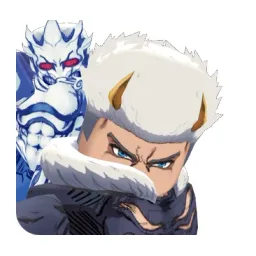 Rainman
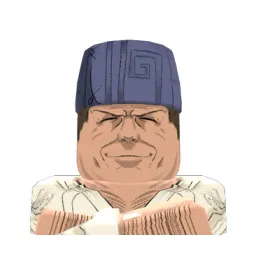 Ramen Guy
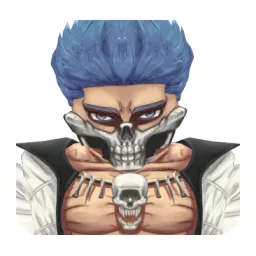 Razorjaw
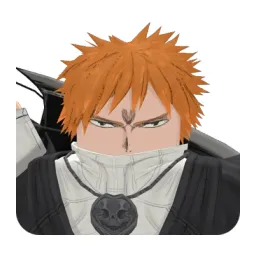 Reaper
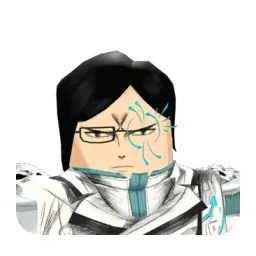 Reishi Archer
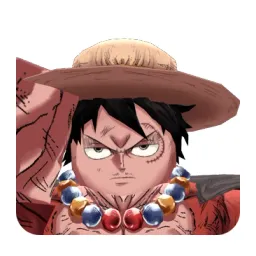 Rubber Boy
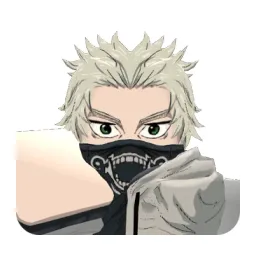 Salmon Sorcerer
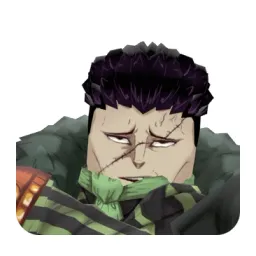 Sand
Sand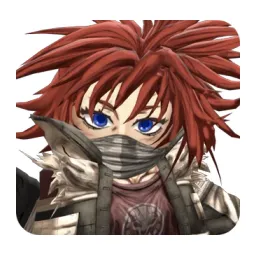 Scissor
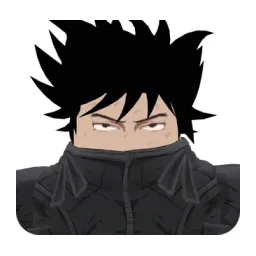 Shadow
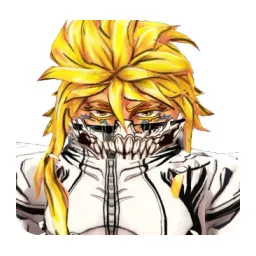 Sharkfang
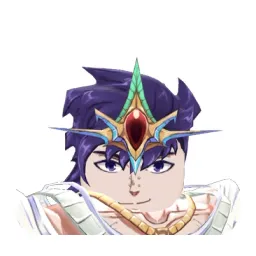 Sovereign
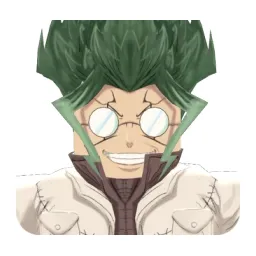 Stone Alchemist
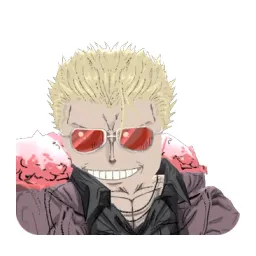 String Demon
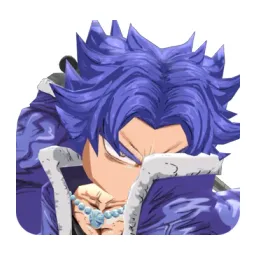 The Drink
 The Hero
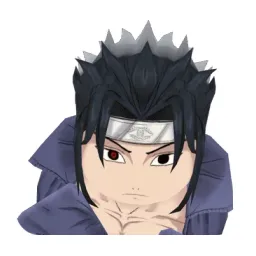 Thunder Shinobi
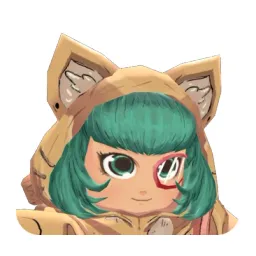 Toy Maker
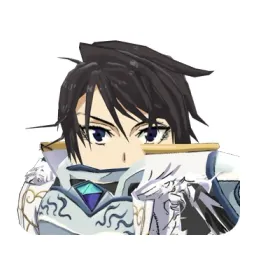 True Saint
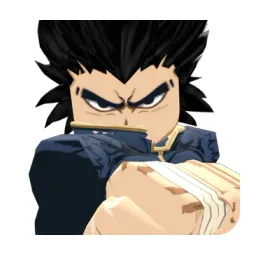 Vegetable
 Water Mage
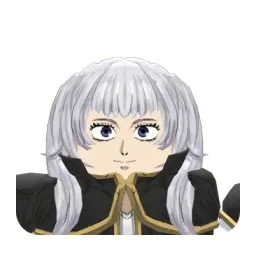 Water Princess
Drag the 52 items below into the tiers that match how you rank them. Rename any row, change its colour, add your own pictures, then save the chart as an image.

How to rank Anime Expeditions
Start with the ones you already feel strongly about. 8th Sword and Kitsune usually land in a tier within a second, and once the obvious picks are placed the 52 items left in the middle are the ones worth thinking about. Move anything you are unsure of into one row, then split that row in two.
What the tiers mean here
S tier is normally the picks that win games on their own, A the reliable ones, and the bottom rows the picks that need a lot of work to pay off. Favourites count too, so if 8th Sword is your main it can sit in S whatever anyone else says.
About this set
There are 52 items here in the Roblox Games section, each with its own picture. taken from the game's own art and its community wiki. You can edit the set freely, so add what is missing, drop what you do not want, and the chart is yours.
Questions about this tier list
How many items are in the Anime Expeditions tier list?
Can I add something that is missing from Anime Expeditions?
How do I share my Anime Expeditions ranking?
Ready to make a tier list?
Scroll back up, add your items, drag them into tiers and download the image. No sign-up, and nothing you make is stored on our servers.