Pokemon Unite Tier List Maker
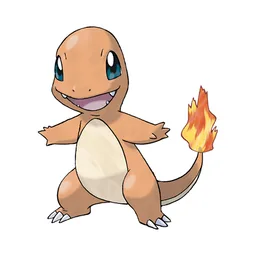
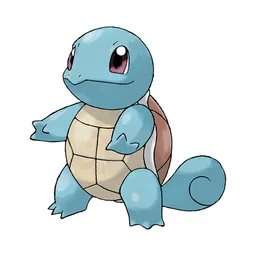
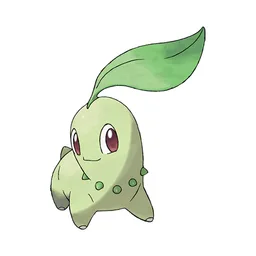
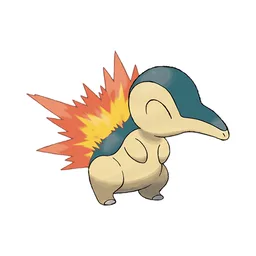
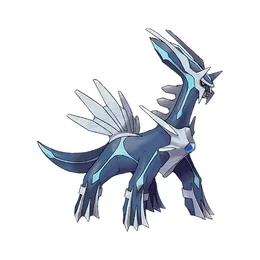
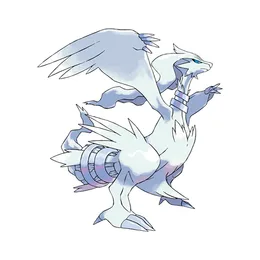
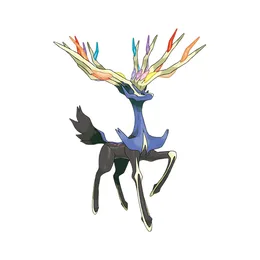
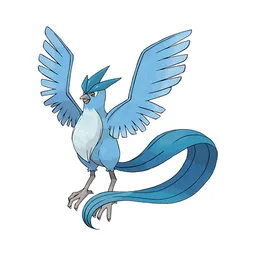
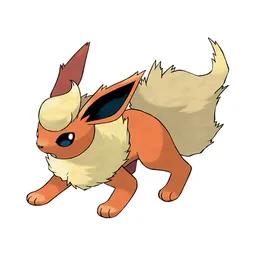
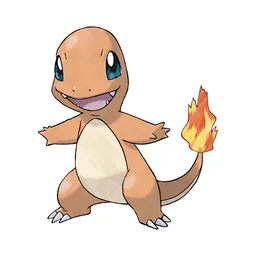
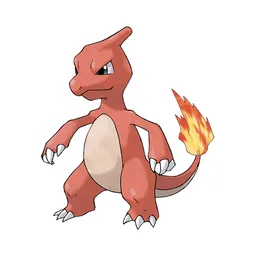
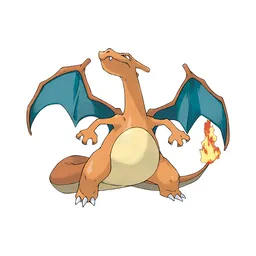
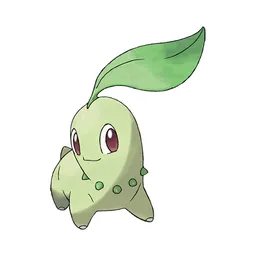
All 100 Pokemon in Pokemon Unite, each with its official in-game picture, ready to rank.
Items to rank
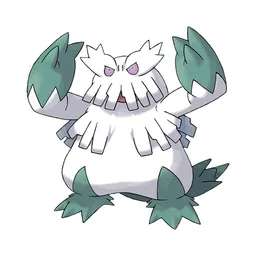
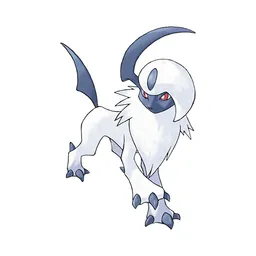
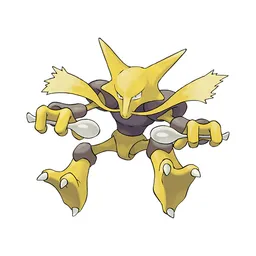
100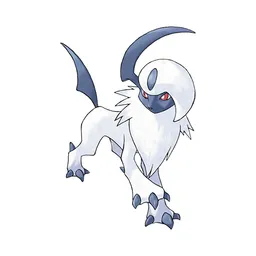 Absol
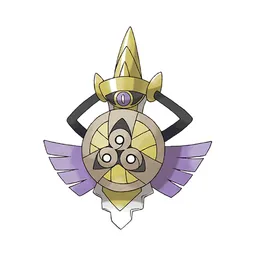
Absol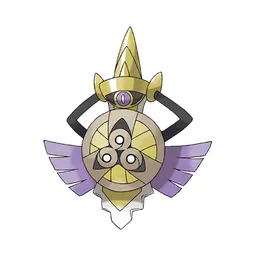 Aegislash
 Alcremie
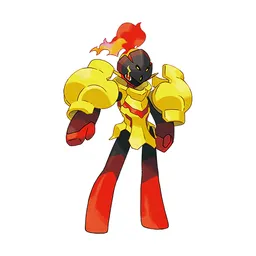 Armarouge
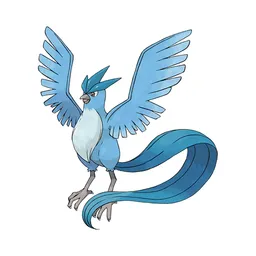 Articuno
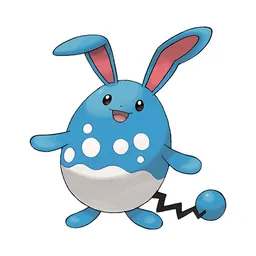 Azumarill
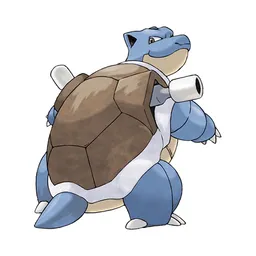 Blastoise
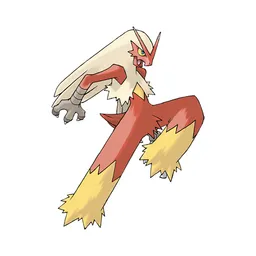 Blaziken
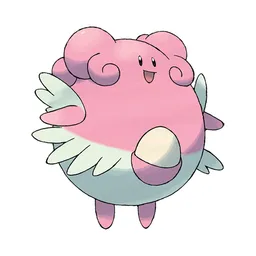 Blissey
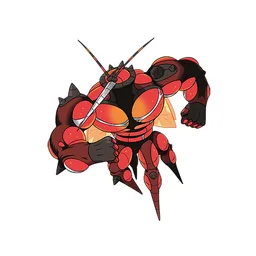 Buzzwole
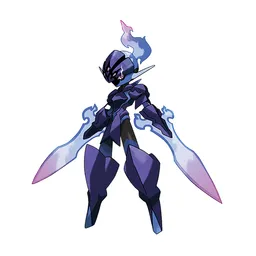 Ceruledge
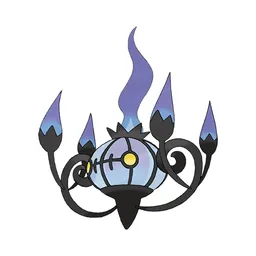 Chandelure
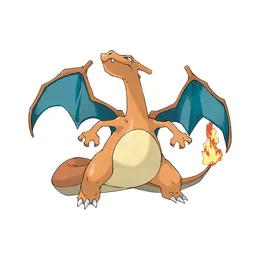
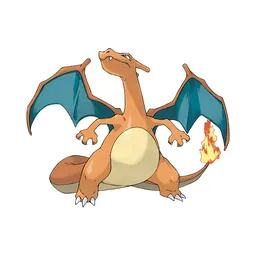 Charizard
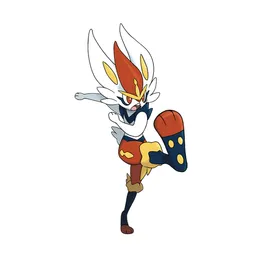 Cinderace
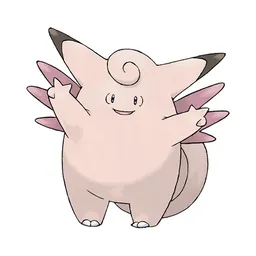 Clefable
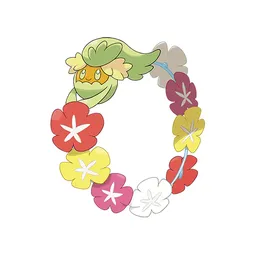 Comfey
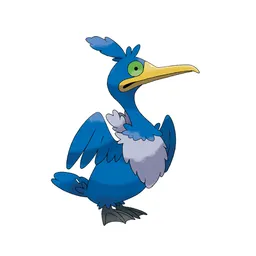 Cramorant
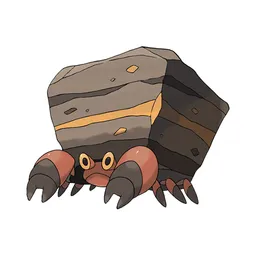 Crustle
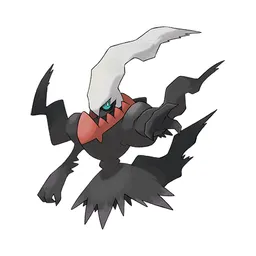 Darkrai
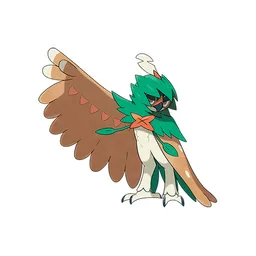 Decidueye
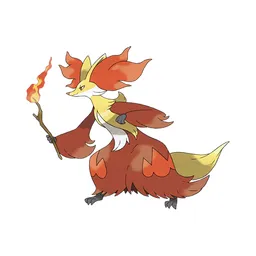 Delphox
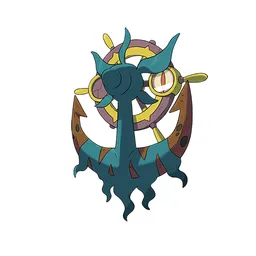 Dhelmise
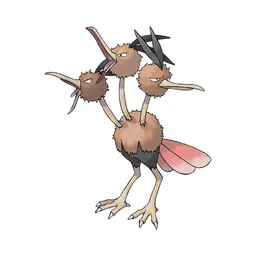 Dodrio
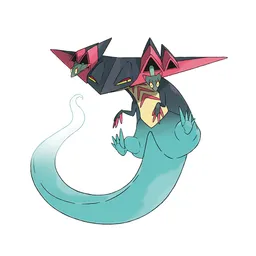 Dragapult
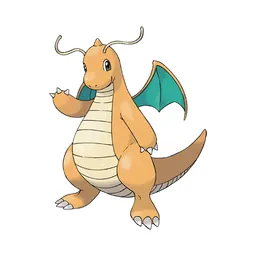 Dragonite
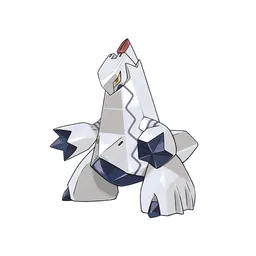 Duraludon
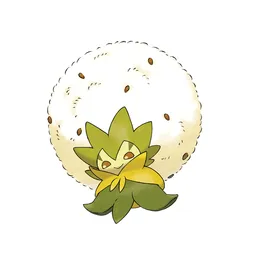 Eldegoss
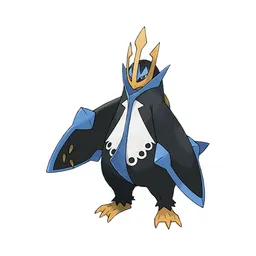 Empoleon
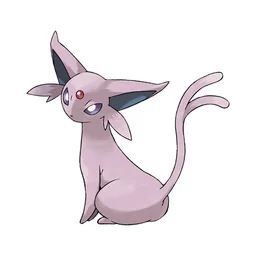
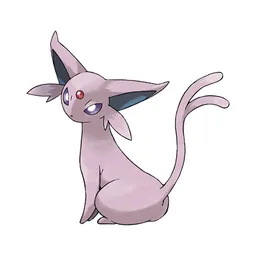 Espeon
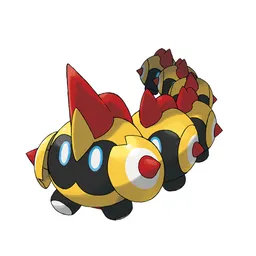 Falinks
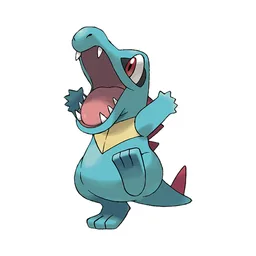
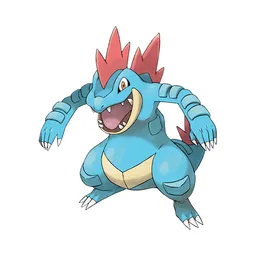 Feraligatr
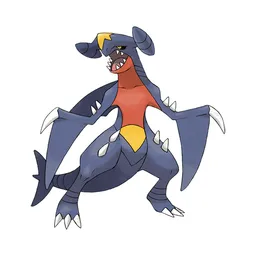 Garchomp
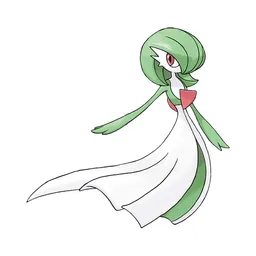 Gardevoir
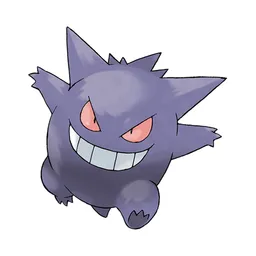 Gengar
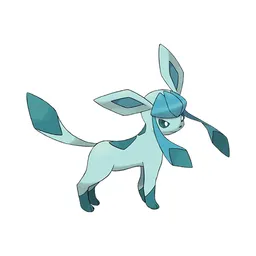 Glaceon
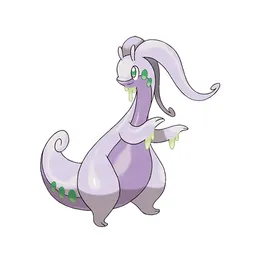 Goodra
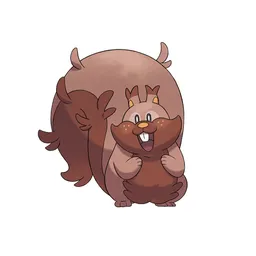 Greedent
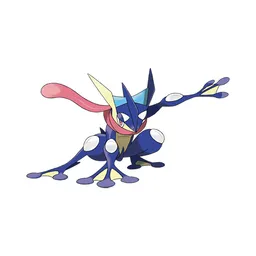 Greninja
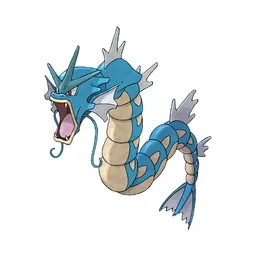 Gyarados
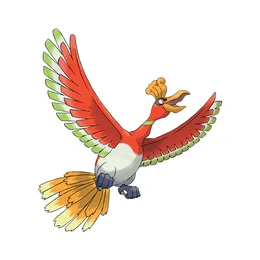
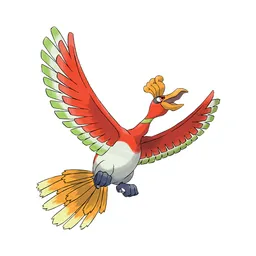 Ho-Oh
Ho-Oh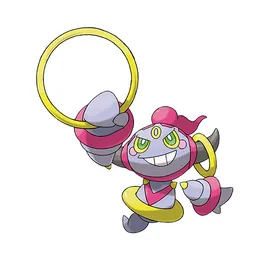 Hoopa
Hoopa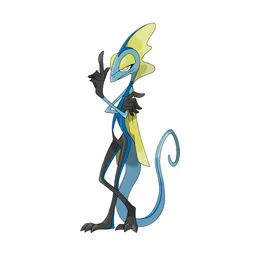 Inteleon
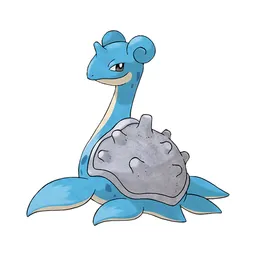 Lapras
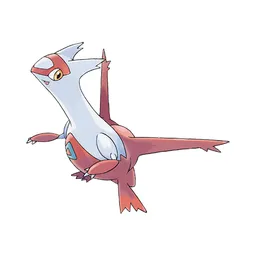 Latias
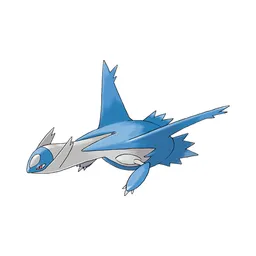 Latios
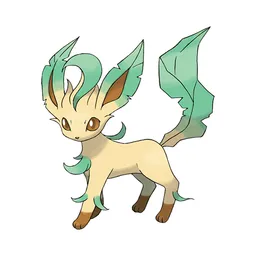 Leafeon
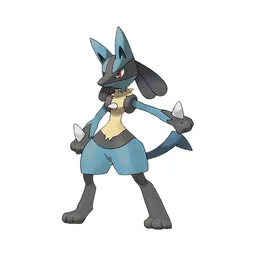 Lucario
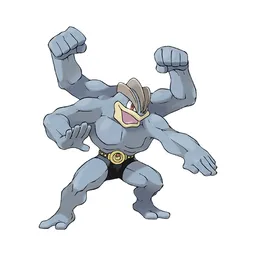 Machamp
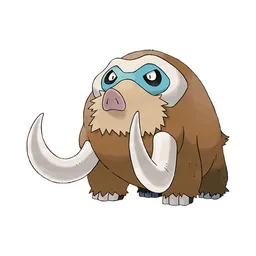 Mamoswine
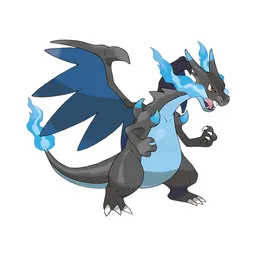 Mega Charizard X
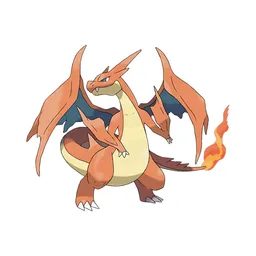 Mega Charizard Y
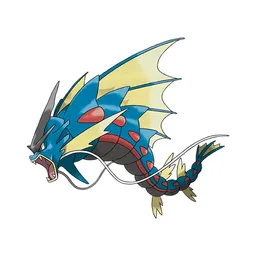 Mega Gyarados
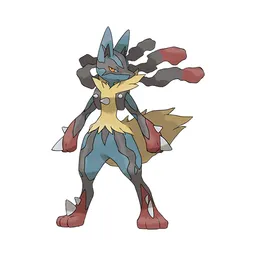 Mega Lucario
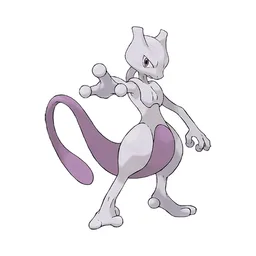
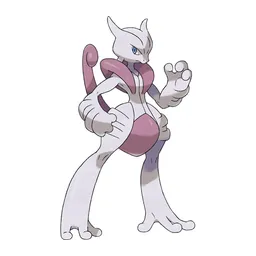 Mega Mewtwo X
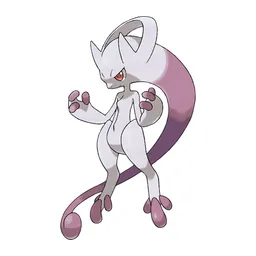 Mega Mewtwo Y
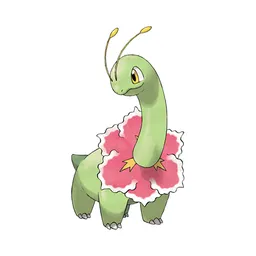
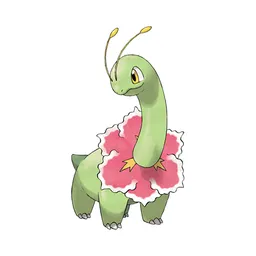 Meganium
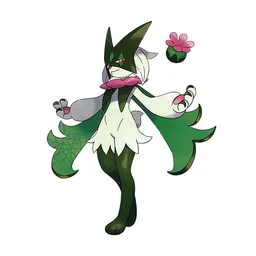 Meowscarada
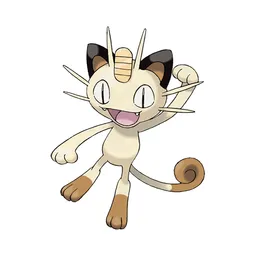 Meowth
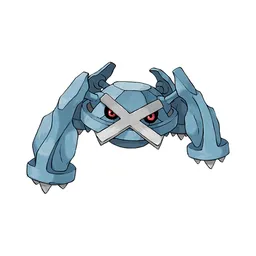 Metagross
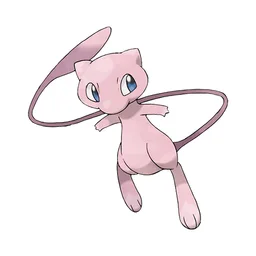
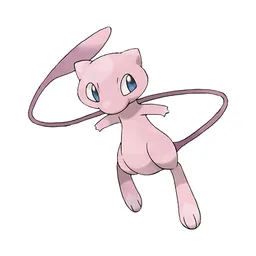 Mew
Mew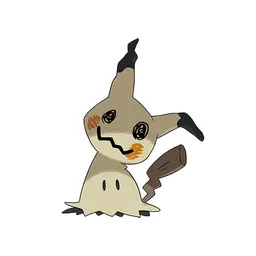 Mimikyu
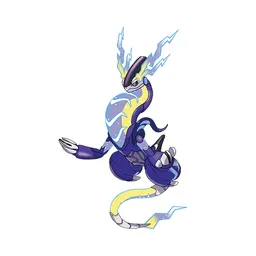 Miraidon
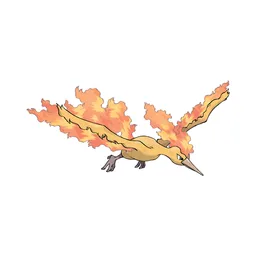
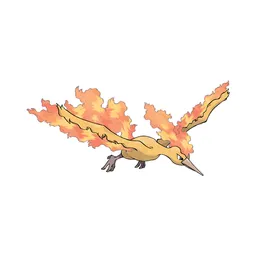 Moltres
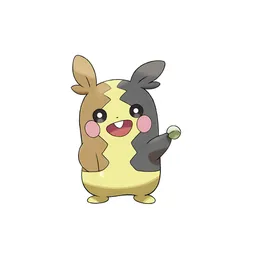 Morpeko
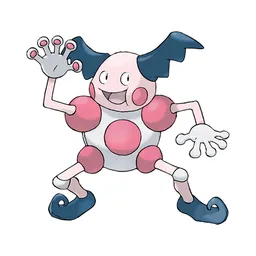 Mr. Mime
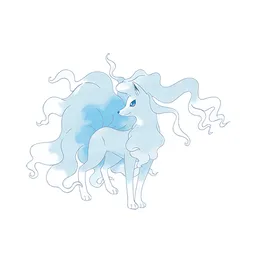 Ninetales
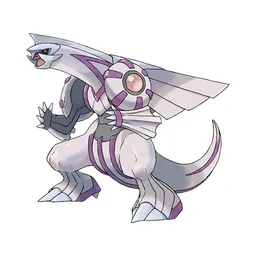 Palkia
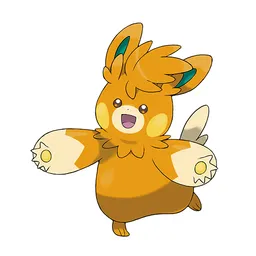 Pawmot
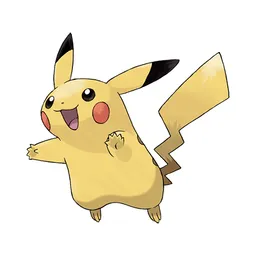 Pikachu
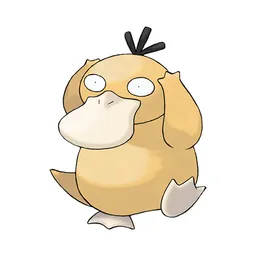 Psyduck
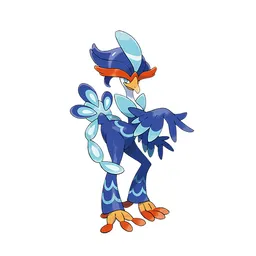 Quaquaval
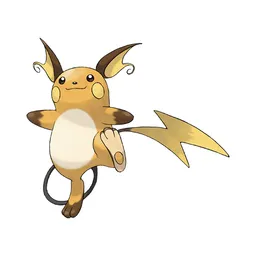 Raichu
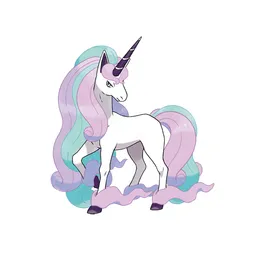 Rapidash
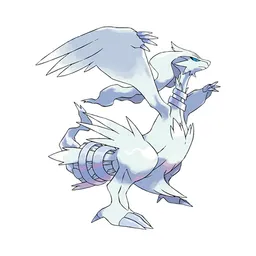 Reshiram
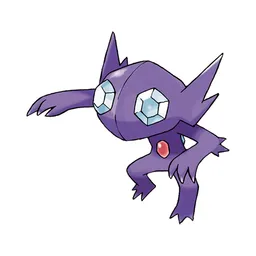 Sableye
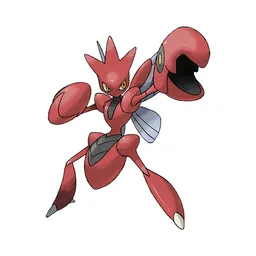 Scizor
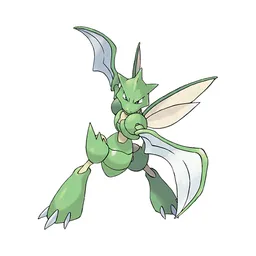 Scyther
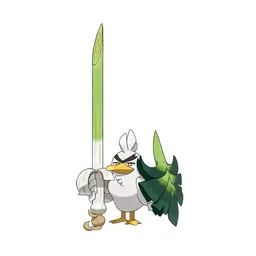 Sirfetch'd
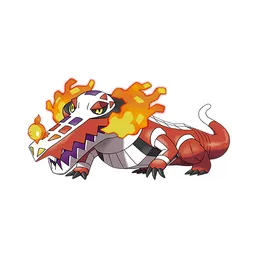 Skeledirge
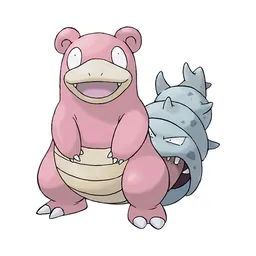 Slowbro
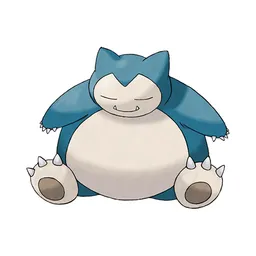 Snorlax
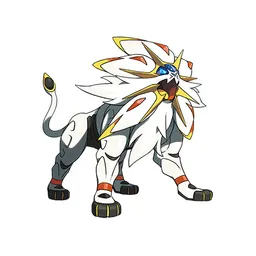 Solgaleo
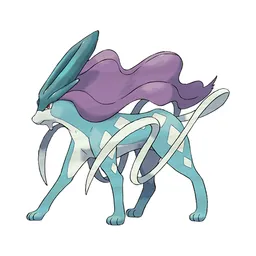 Suicune
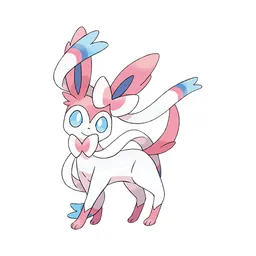 Sylveon
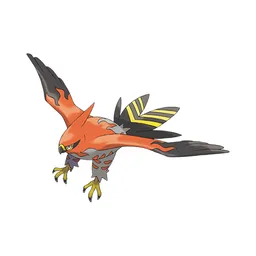 Talonflame
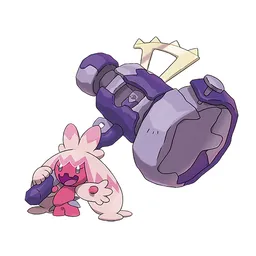 Tinkaton
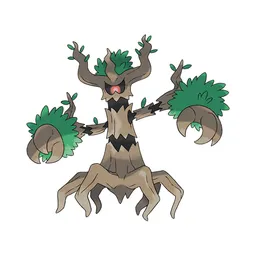 Trevenant
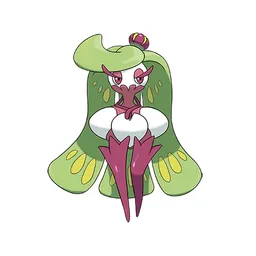 Tsareena
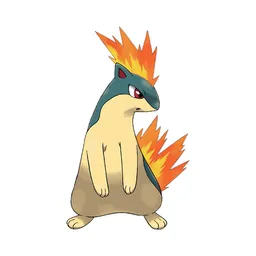
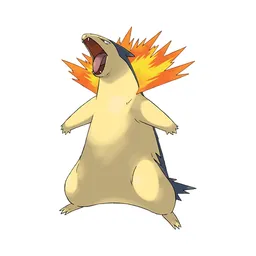
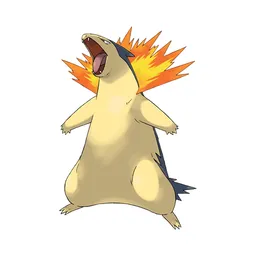 Typhlosion
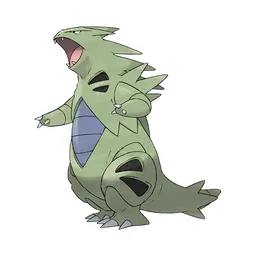 Tyranitar
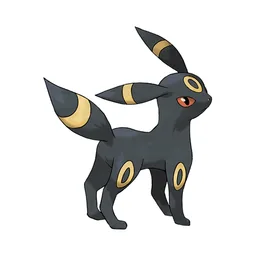
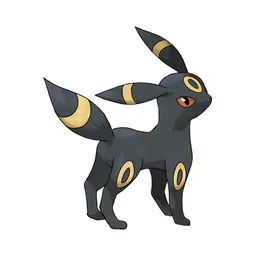 Umbreon
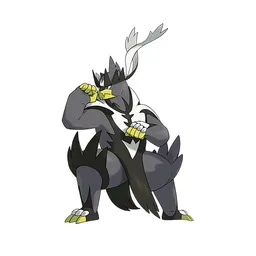 Urshifu
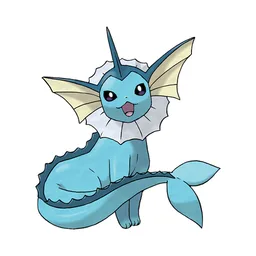
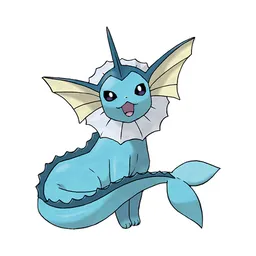 Vaporeon
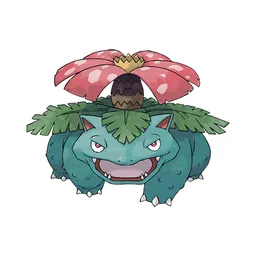
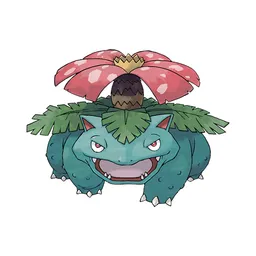 Venusaur
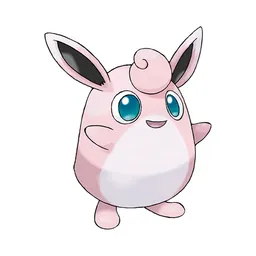 Wigglytuff
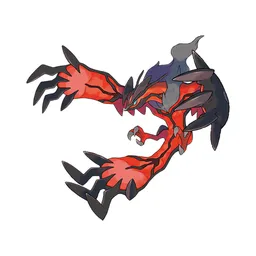 Yveltal
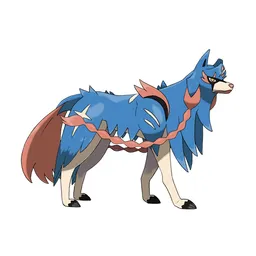 Zacian
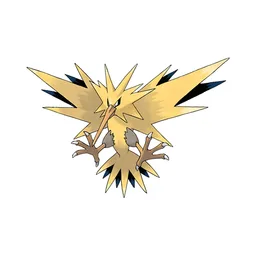
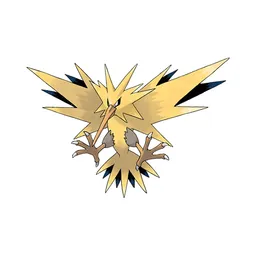 Zapdos
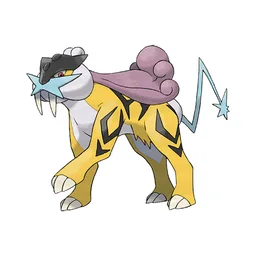
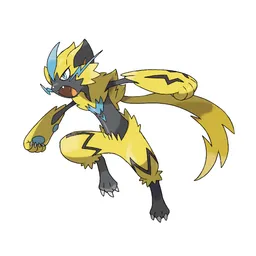 Zeraora
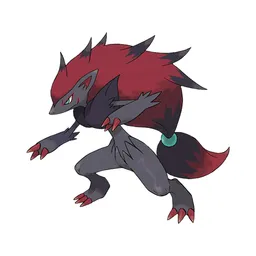 Zoroark
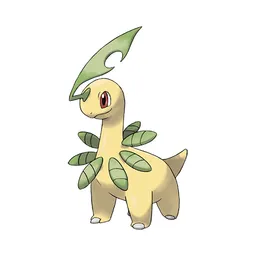
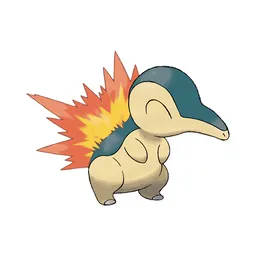
Drag the 100 items below into the tiers that match how you rank them. Rename any row, change its colour, add your own pictures, then save the chart as an image.






How to rank Pokemon Unite
Start with the ones you already feel strongly about. Absol and Leafeon usually land in a tier within a second, and once the obvious picks are placed the 100 items left in the middle are the ones worth thinking about. Move anything you are unsure of into one row, then split that row in two.
What the tiers mean here
S tier is normally the picks that win games on their own, A the reliable ones, and the bottom rows the picks that need a lot of work to pay off. Favourites count too, so if Absol is your main it can sit in S whatever anyone else says.
About this set
There are 100 items here in the Pokemon section, each with its own picture. using official Pokemon artwork. You can edit the set freely, so add what is missing, drop what you do not want, and the chart is yours.
Questions about this tier list
How many items are in the Pokemon Unite tier list?
Can I add something that is missing from Pokemon Unite?
How do I share my Pokemon Unite ranking?
Ready to make a tier list?
Scroll back up, add your items, drag them into tiers and download the image. No sign-up, and nothing you make is stored on our servers.