Water Type Pokemon Tier List Maker
Every Water type Pokemon, ready to rank.
S
A
B
C
D
Items to rank
60 Squirtle
 Wartortle
 Blastoise
 Psyduck
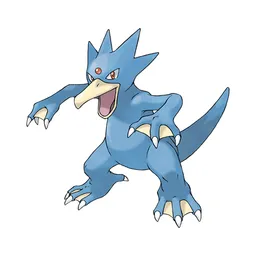 Golduck
 Poliwag
 Poliwhirl
 Poliwrath
 Tentacool
 Tentacruel
 Slowpoke
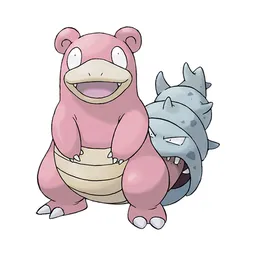 Slowbro
 Seel
Seel Dewgong
 Shellder
 Cloyster
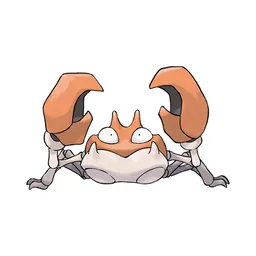 Krabby
 Kingler
 Horsea
 Seadra
 Goldeen
 Seaking
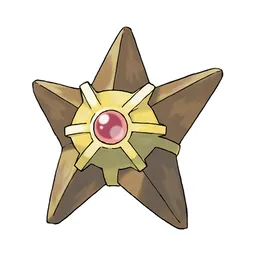 Staryu
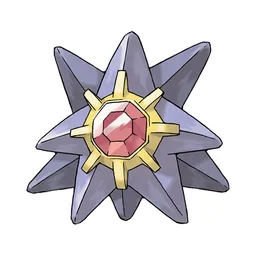 Starmie
 Magikarp
 Gyarados
 Lapras
 Vaporeon
 Omanyte
 Omastar
 Kabuto
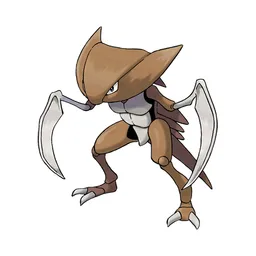 Kabutops
 Totodile
 Croconaw
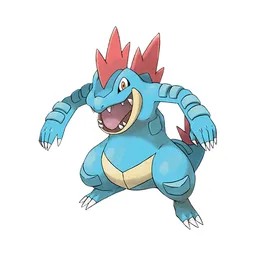 Feraligatr
 Chinchou
 Lanturn
 Marill
 Azumarill
 Politoed
 Wooper
 Quagsire
 Slowking
 Qwilfish
 Corsola
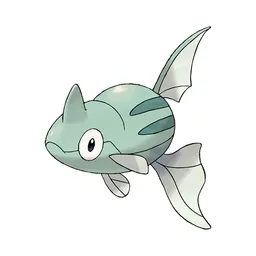 Remoraid
 Octillery
 Mantine
 Kingdra
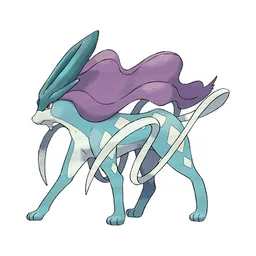 Suicune
 Mudkip
 Marshtomp
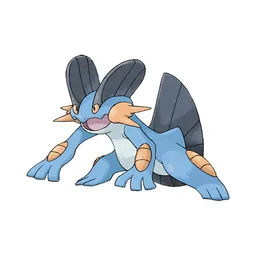 Swampert
 Lotad
Lotad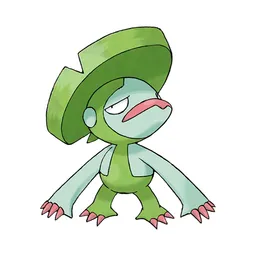 Lombre
 Ludicolo
 Wingull
 Pelipper
 Surskit
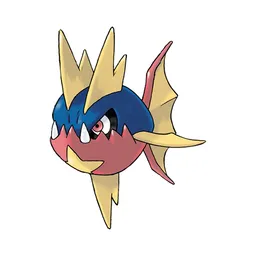 Carvanha
Drag an item into a row. On a phone, tap an item once and then tap the row you want it in. Click a tier letter to rename it, or use the colour dot to change the row colour.
Drag the 60 items below into the tiers that match how you rank them. Rename any row, change its colour, add your own pictures, then save the chart as an image.





















Common questions
Is the tier list maker really free?
Yes. This tier list maker is free and there is no paid version hiding behind a button. Create tier lists without limit, upload as many images as you want, and download every tier list without a watermark.
Do I need to make an account?
No. There is no login and no email box. Open the page, build your list, save the image and you are done.
Can I use my own images?
Yes. Press Add images and pick as many files as you like from your phone or computer. You can upload original content, paste an image straight from your clipboard with Ctrl and V, or drag image files onto the board.
Are my pictures uploaded anywhere?
No. The maker runs entirely inside your browser. Your files are read on your device and never sent to us, which is also why it keeps working when your connection drops.
Does it work on a phone?
Yes. Dragging works with touch, and if that feels fiddly you can tap an item once and then tap the row you want it in. The layout adjusts to small screens.
How do I save my tier list?
Press Save image. Your tier list is drawn to a high-resolution PNG and downloaded straight away, which is far cleaner than a screenshot and sharp enough to post or embed anywhere.
What does S tier mean?
S tier sits above A tier. The letter comes from Japanese grading, where S stands for special or superior. It is used for things that are clearly better than everything else on the list.
Can I add more than five tiers?
Yes. Press Add tier for a new row, then use the small controls beside each row to reorder it, rename any tier, change their colors or delete it. You can add or remove as many tiers as you like.
Can I share a link instead of an image?
Yes. The Share button copies a link that carries your list inside it. Anyone who opens it sees your ranking and can start editing their own copy right away.
Ready to make a tier list?
Scroll back up, add your items, drag them into tiers and download the image. No sign-up, and nothing you make is stored on our servers.