Wild Rift Tier List Maker
All 141 champions in League of Legends: Wild Rift, each with its official in-game picture, ready to rank.
Items to rank
141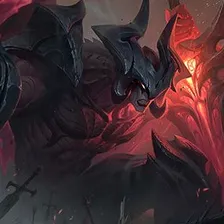 Aatrox
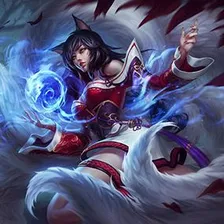 Ahri
Ahri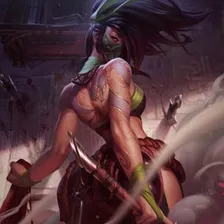 Akali
Akali Akshan
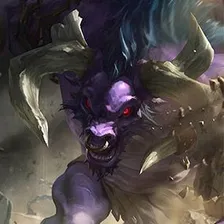 Alistar
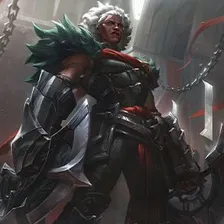 Ambessa
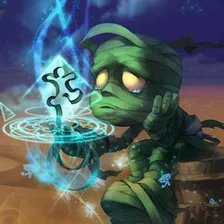 Amumu
Amumu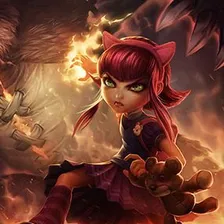 Annie
Annie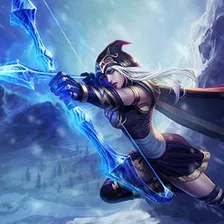 Ashe
Ashe Aurelion Sol
 Aurora
 Bard
Bard Blitzcrank
 Brand
Brand Braum
Braum Caitlyn
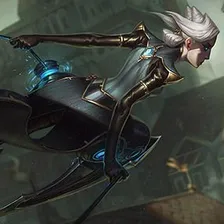 Camille
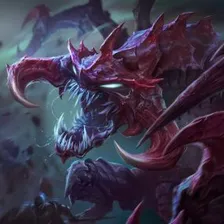 Cho'Gath
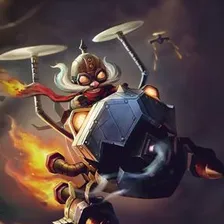 Corki
Corki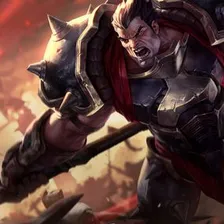 Darius
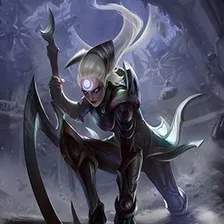 Diana
Diana Dr. Mundo
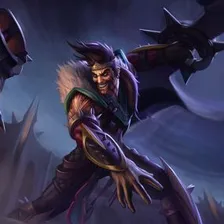 Draven
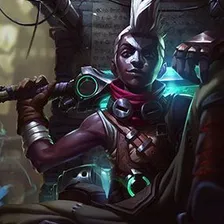 Ekko
Ekko Evelynn
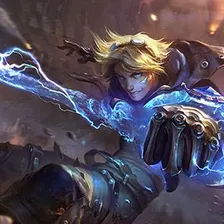 Ezreal
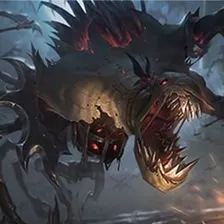 Fiddlesticks
 Fiora
Fiora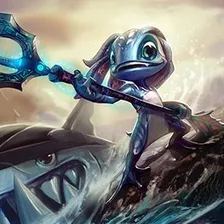 Fizz
Fizz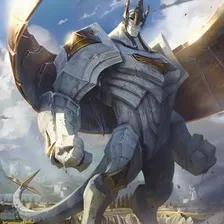 Galio
Galio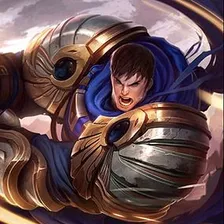 Garen
Garen Gnar
Gnar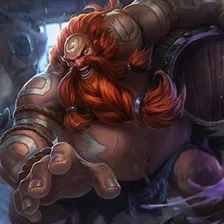 Gragas
 Graves
 Gwen
Gwen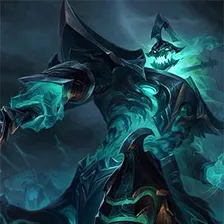 Hecarim
 Heimerdinger
 Irelia
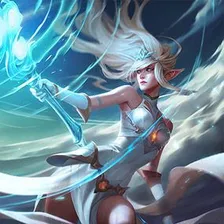 Janna
Janna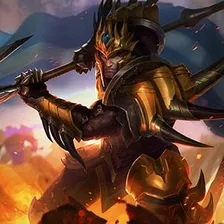 Jarvan IV
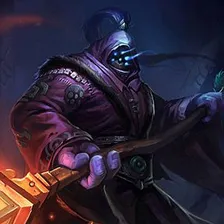 Jax
Jax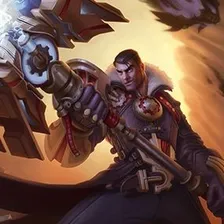 Jayce
Jayce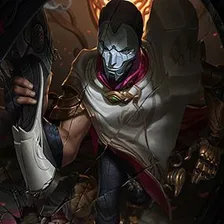 Jhin
Jhin Jinx
Jinx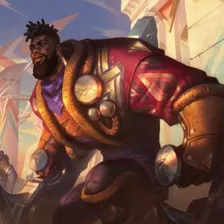 K'Sante
 Kai'Sa
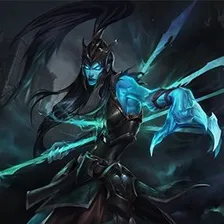 Kalista
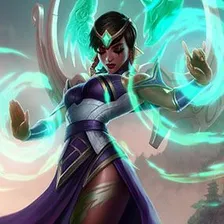 Karma
Karma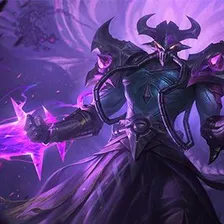 Kassadin
 Katarina
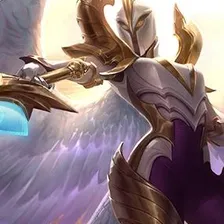 Kayle
Kayle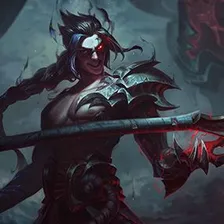 Kayn
Kayn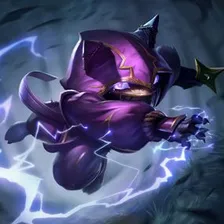 Kennen
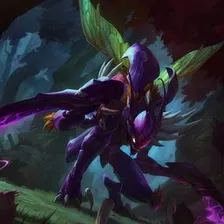 Kha'Zix
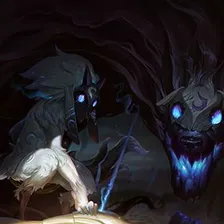 Kindred
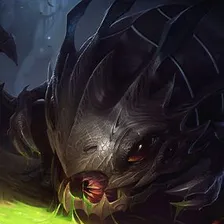 Kog'Maw
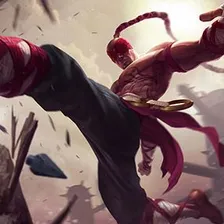 Lee Sin
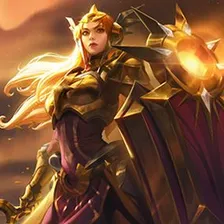 Leona
Leona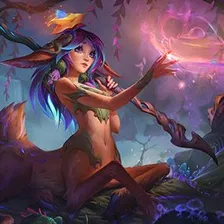 Lillia
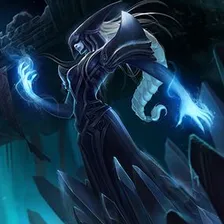 Lissandra
 Lucian
 Lulu
Lulu Lux
Lux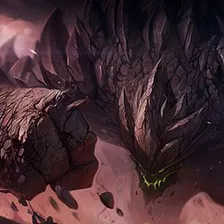 Malphite
 Maokai
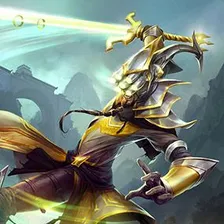 Master Yi
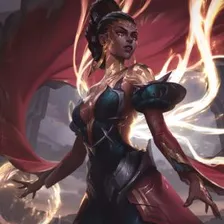 Mel
Mel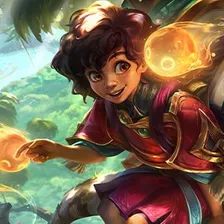 Milio
Milio Miss Fortune
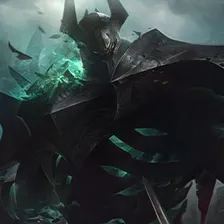 Mordekaiser
 Morgana
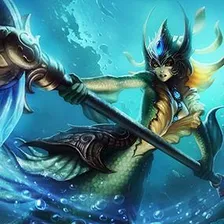 Nami
Nami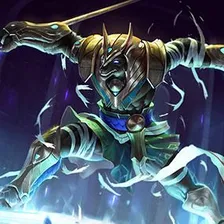 Nasus
Nasus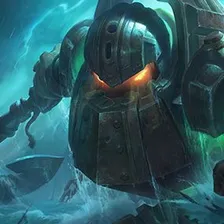 Nautilus
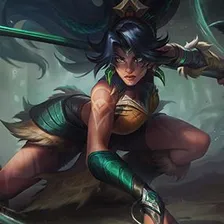 Nidalee
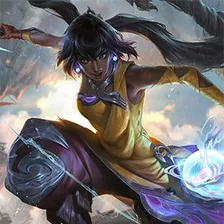 Nilah
Nilah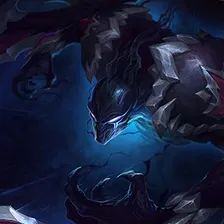 Nocturne
 Norra
Norra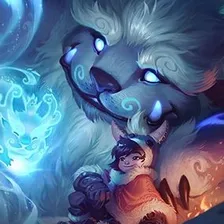 Nunu & Willump
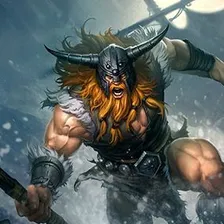 Olaf
Olaf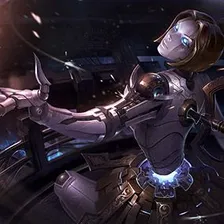 Orianna
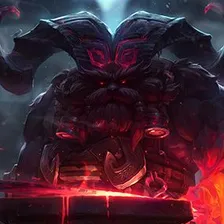 Ornn
Ornn Pantheon
 Poppy
Poppy Pyke
Pyke Rakan
Rakan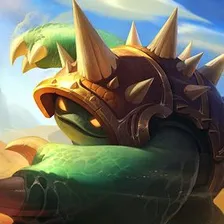 Rammus
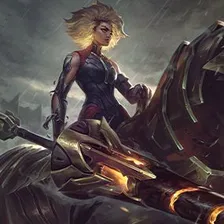 Rell
Rell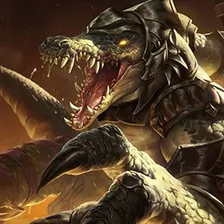 Renekton
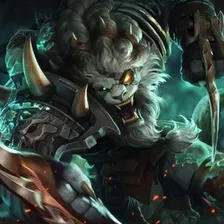 Rengar
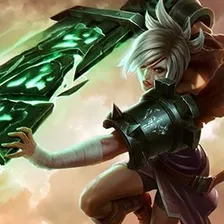 Riven
Riven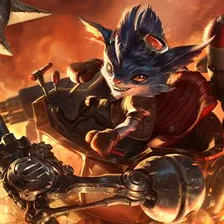 Rumble
 Ryze
Ryze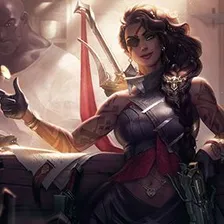 Samira
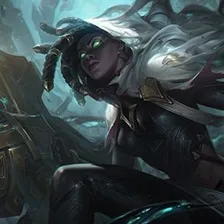 Senna
Senna Seraphine
 Sett
Sett Shen
Shen Shyvana
 Singed
 Sion
Sion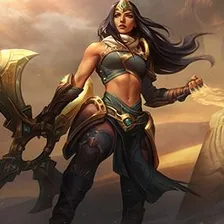 Sivir
Sivir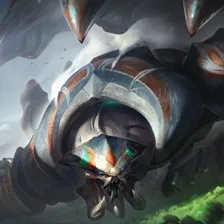 Skarner
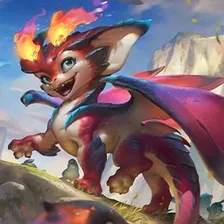 Smolder
 Sona
Sona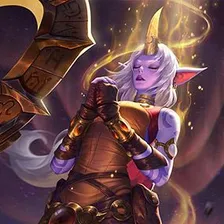 Soraka
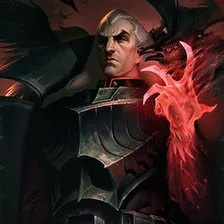 Swain
Swain Syndra
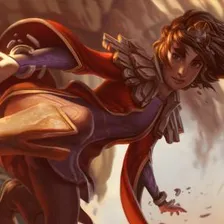 Taliyah
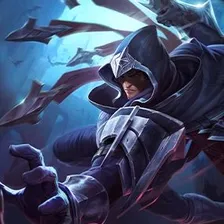 Talon
Talon Teemo
Teemo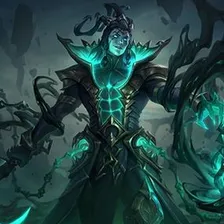 Thresh
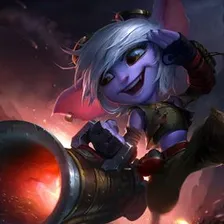 Tristana
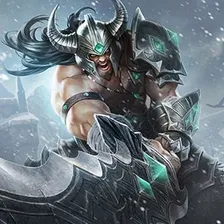 Tryndamere
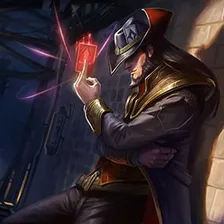 Twisted Fate
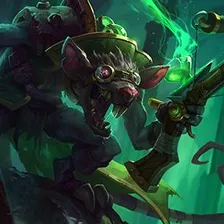 Twitch
 Urgot
Urgot Varus
Varus Vayne
Vayne Veigar
 Vel'Koz
 Vex
Vex Vi
Vi Viego
Viego Viktor
 Vladimir
 Volibear
 Warwick
 Wukong
 Xayah
Xayah Xin Zhao
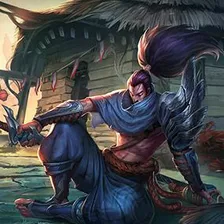 Yasuo
Yasuo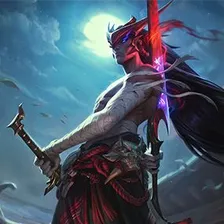 Yone
Yone Yunara
 Yuumi
Yuumi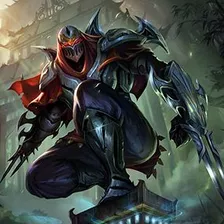 Zed
Zed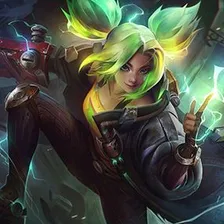 Zeri
Zeri Ziggs
Ziggs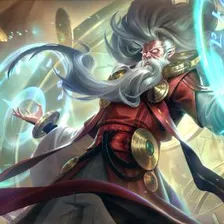 Zilean
 Zoe
Zoe Zyra
ZyraDrag the 141 items below into the tiers that match how you rank them. Rename any row, change its colour, add your own pictures, then save the chart as an image.




















How to rank Wild Rift
Start with the ones you already feel strongly about. Aatrox and Malphite usually land in a tier within a second, and once the obvious picks are placed the 141 items left in the middle are the ones worth thinking about. Move anything you are unsure of into one row, then split that row in two.
What the tiers mean here
A lot of Wild Rift rankings sort by raw strength, but power is not the only axis. Ease of use, how well something fits the rest of your team, and how much you enjoy playing it are all fair reasons to put Malphite above Tristana.
About this set
This set holds 141 items, filed under Video Games. Every item comes with a picture, taken from the game's own art and its community wiki. Nothing is fixed: add your own images, rename a tier, change the colours, or delete anything you do not care about before you start.
Questions about this tier list
How many items are in the Wild Rift tier list?
Can I add something that is missing from Wild Rift?
How do I share my Wild Rift ranking?
Ready to make a tier list?
Scroll back up, add your items, drag them into tiers and download the image. No sign-up, and nothing you make is stored on our servers.