Warframe Tier List Maker
All 120 Warframes, Prime versions included, each with its official in-game picture, ready to rank.
Items to rank
120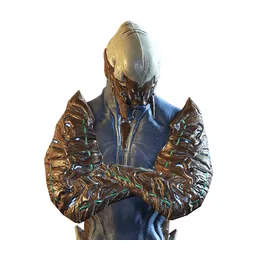 Ash
Ash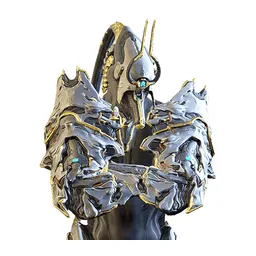 Ash Prime
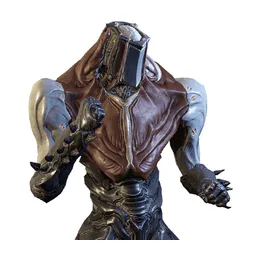 Atlas
Atlas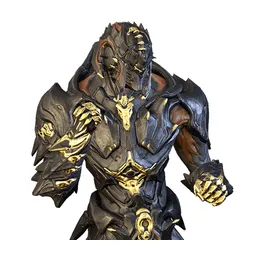 Atlas Prime
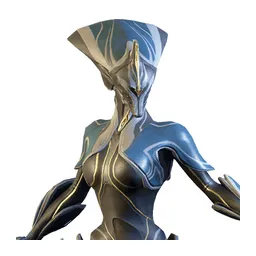 Banshee
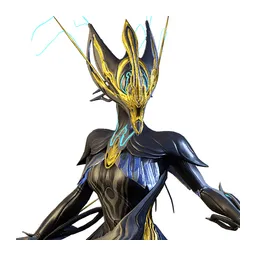 Banshee Prime
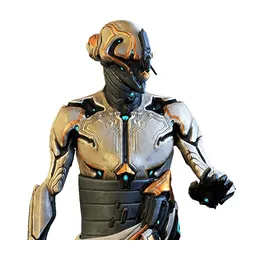 Baruuk
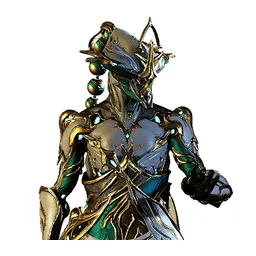 Baruuk Prime
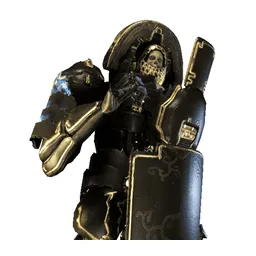 Bonewidow
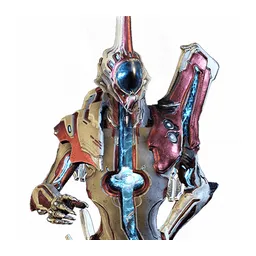 Caliban
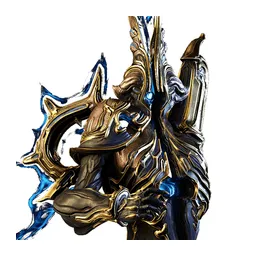 Caliban Prime
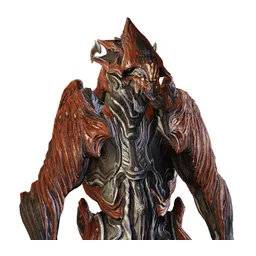 Chroma
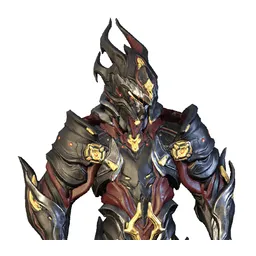 Chroma Prime
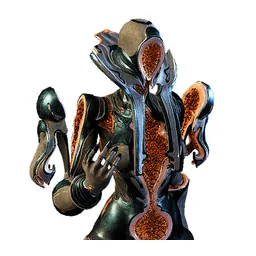 Citrine
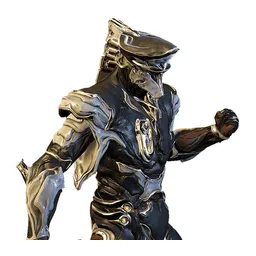 Cyte-09
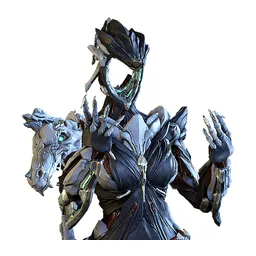 Dagath
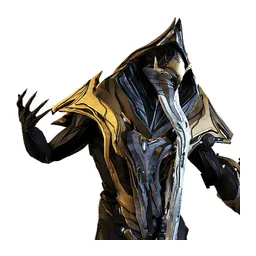 Dante
Dante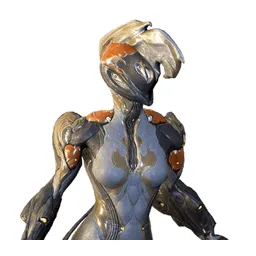 Ember
Ember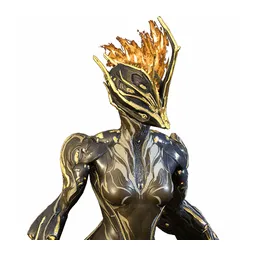 Ember Prime
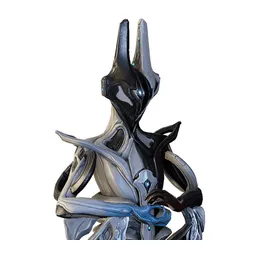 Equinox
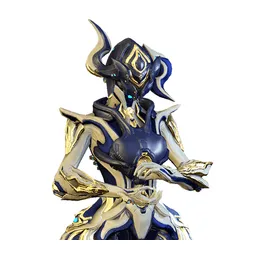 Equinox Prime
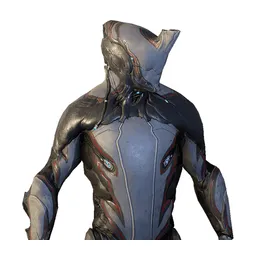 Excalibur
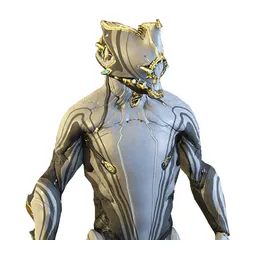 Excalibur Prime
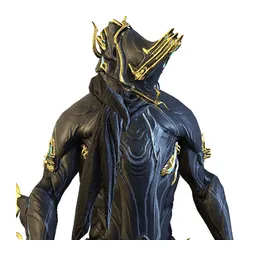 Excalibur Umbra
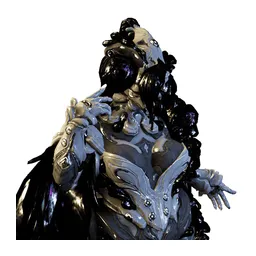 Follie
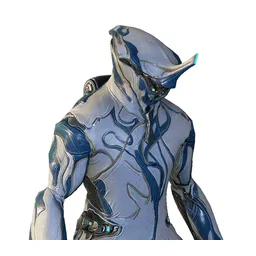 Frost
Frost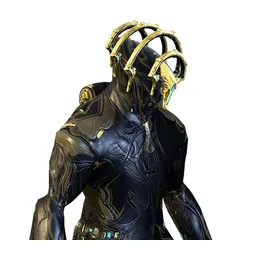 Frost Prime
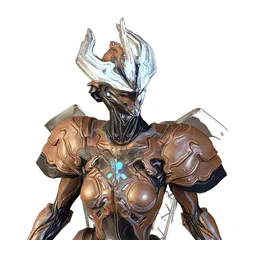 Gara
Gara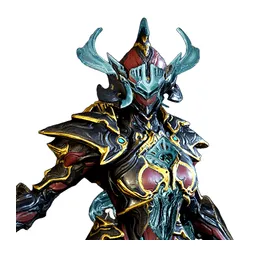 Gara Prime
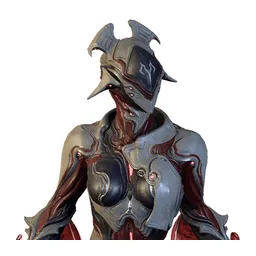 Garuda
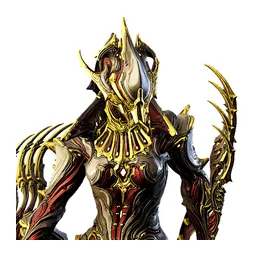 Garuda Prime
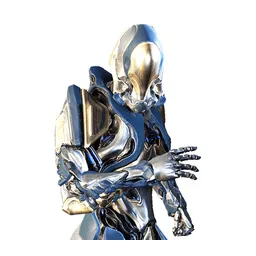 Gauss
Gauss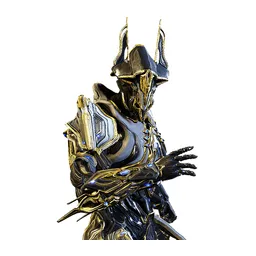 Gauss Prime
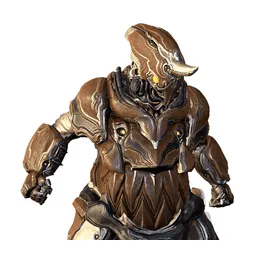 Grendel
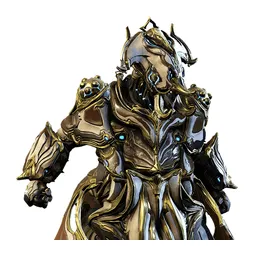 Grendel Prime
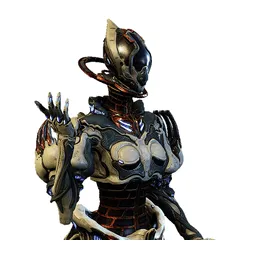 Gyre
Gyre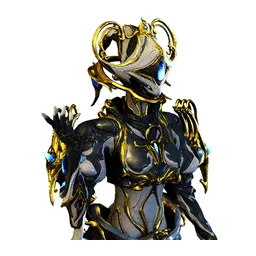 Gyre Prime
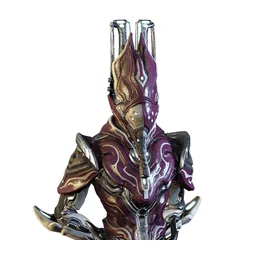 Harrow
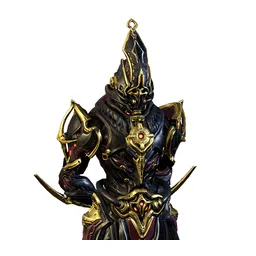 Harrow Prime
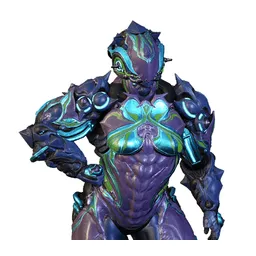 Hildryn
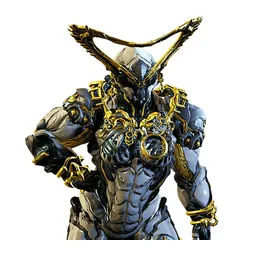 Hildryn Prime
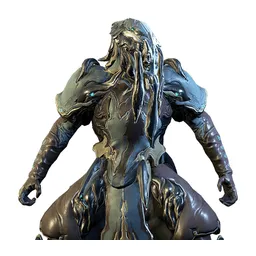 Hydroid
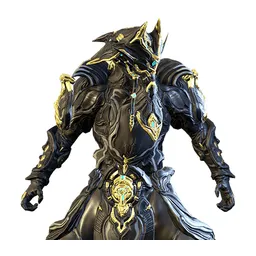 Hydroid Prime
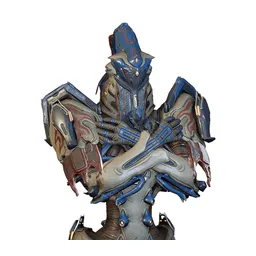 Inaros
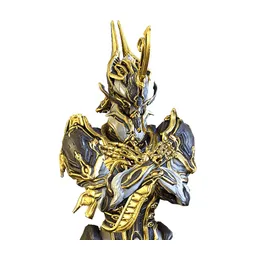 Inaros Prime
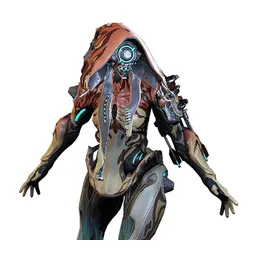 Ivara
Ivara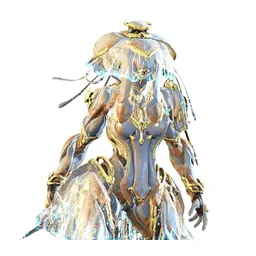 Ivara Prime
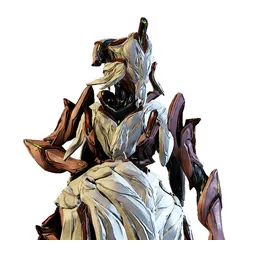 Jade
Jade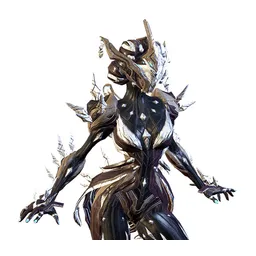 Khora
Khora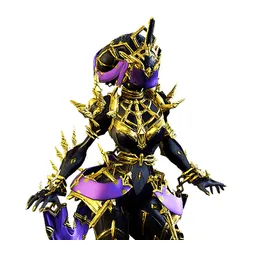 Khora Prime
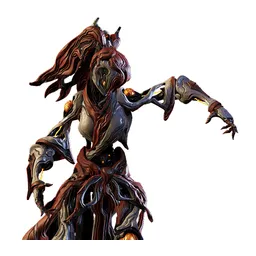 Koumei
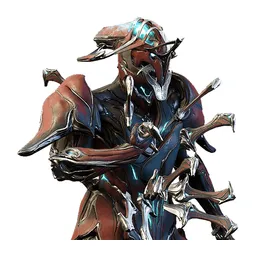 Kullervo
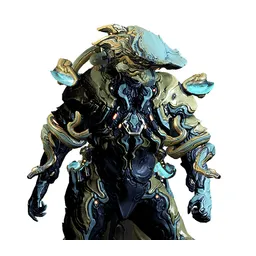 Lavos
Lavos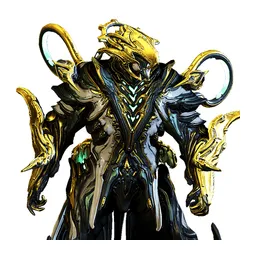 Lavos Prime
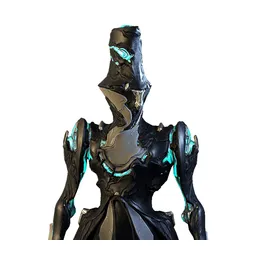 Limbo
Limbo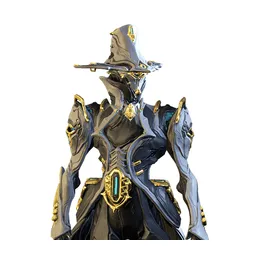 Limbo Prime
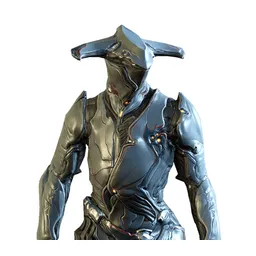 Loki
Loki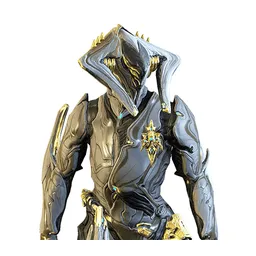 Loki Prime
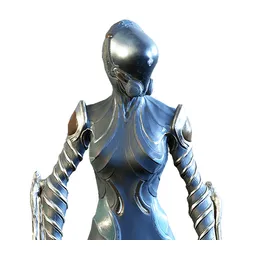 Mag
Mag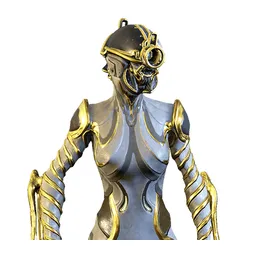 Mag Prime
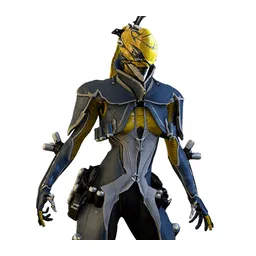 Mesa
Mesa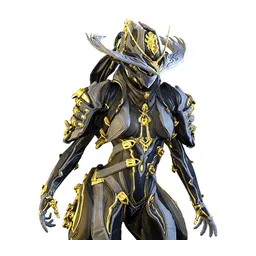 Mesa Prime
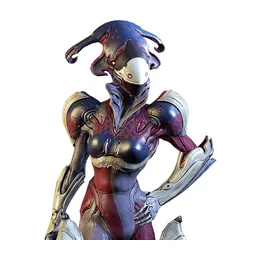 Mirage
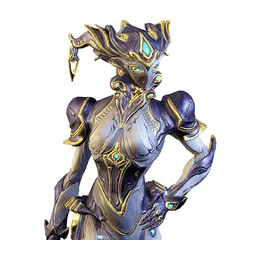 Mirage Prime
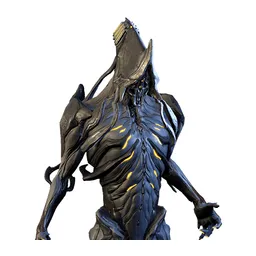 Nekros
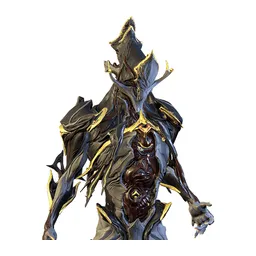 Nekros Prime
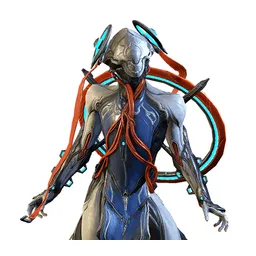 Nezha
Nezha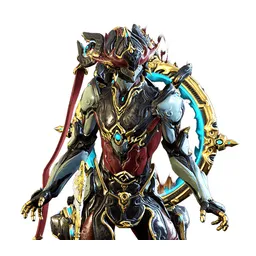 Nezha Prime
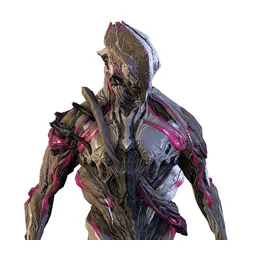 Nidus
Nidus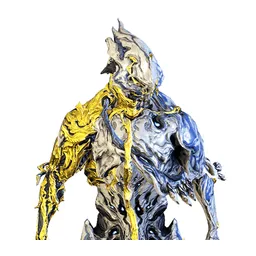 Nidus Prime
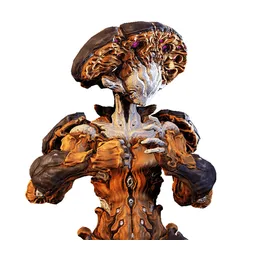 Nokko
Nokko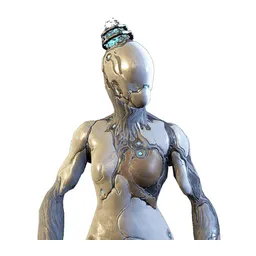 Nova
Nova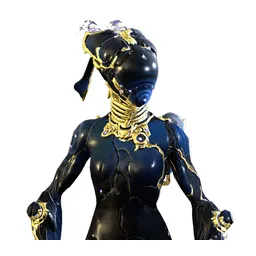 Nova Prime
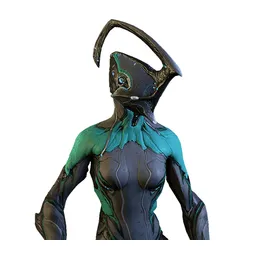 Nyx
Nyx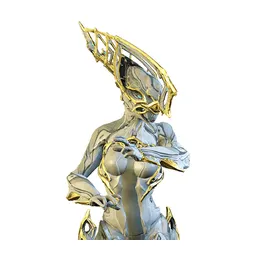 Nyx Prime
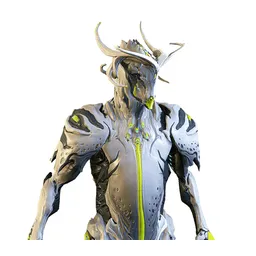 Oberon
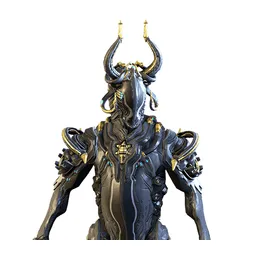 Oberon Prime
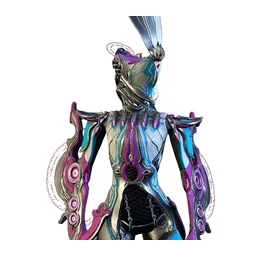 Octavia
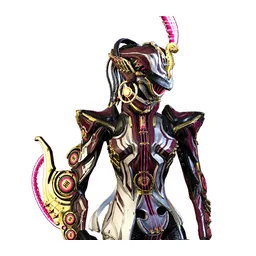 Octavia Prime
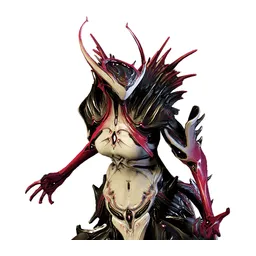 Oraxia
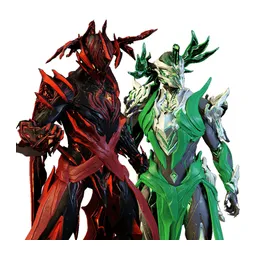 Orion & Sirius
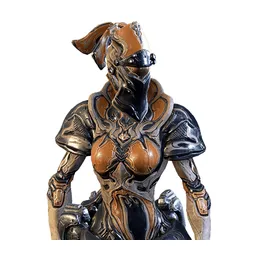 Protea
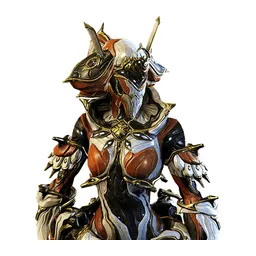 Protea Prime
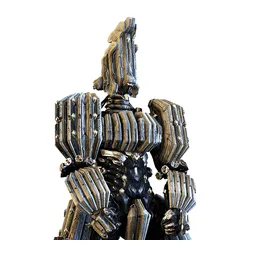 Qorvex
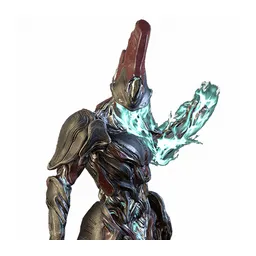 Revenant
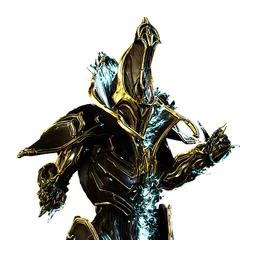 Revenant Prime
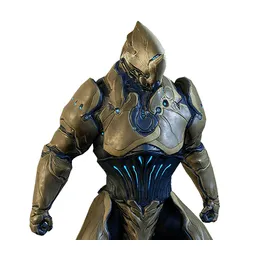 Rhino
Rhino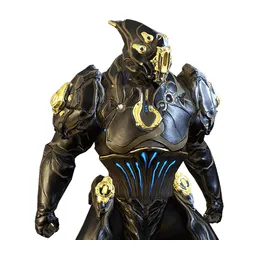 Rhino Prime
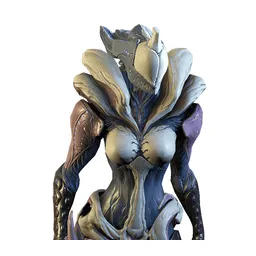 Saryn
Saryn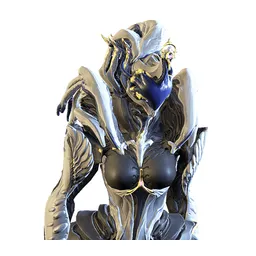 Saryn Prime
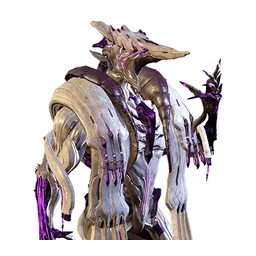 Sevagoth
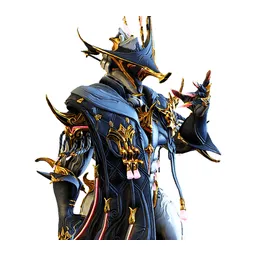 Sevagoth Prime
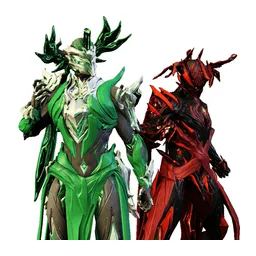 Sirius & Orion
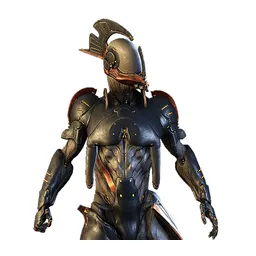 Styanax
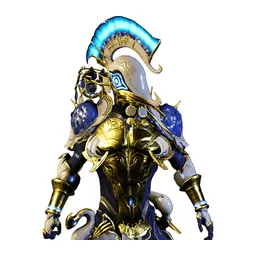 Styanax Prime
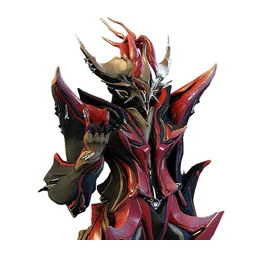 Temple
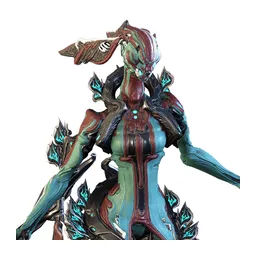 Titania
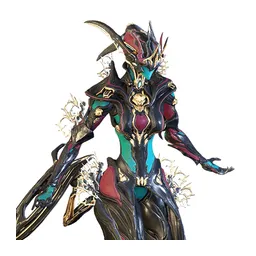 Titania Prime
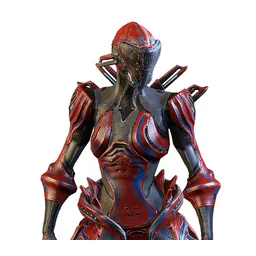 Trinity
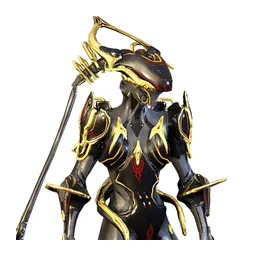 Trinity Prime
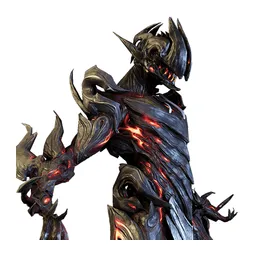 Uriel
Uriel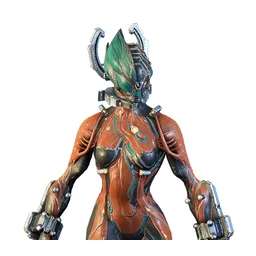 Valkyr
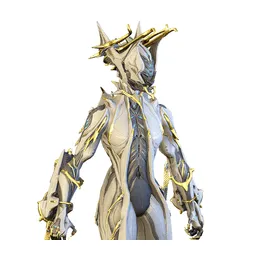 Valkyr Prime
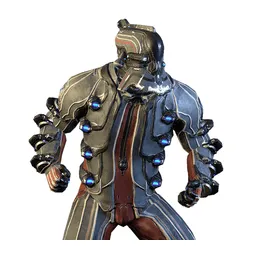 Vauban
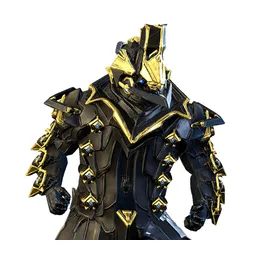 Vauban Prime
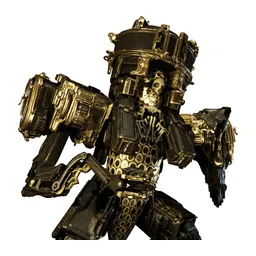 Voidrig
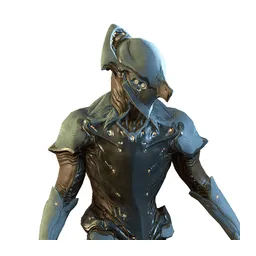 Volt
Volt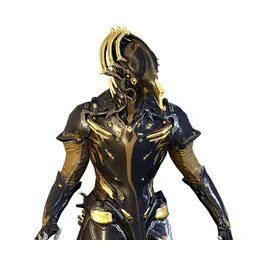 Volt Prime
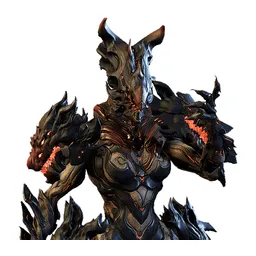 Voruna
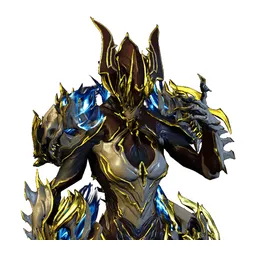 Voruna Prime
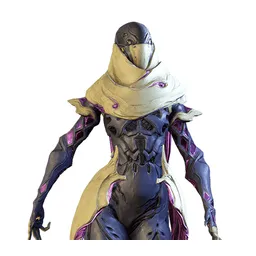 Wisp
Wisp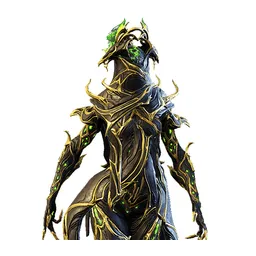 Wisp Prime
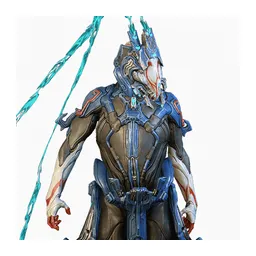 Wukong
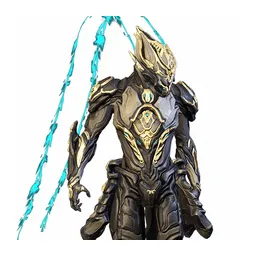 Wukong Prime
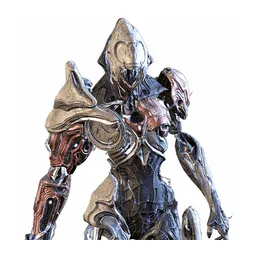 Xaku
Xaku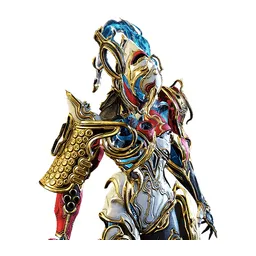 Xaku Prime
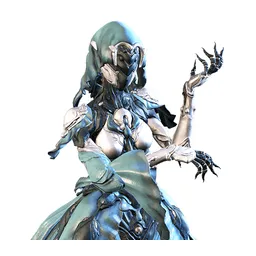 Yareli
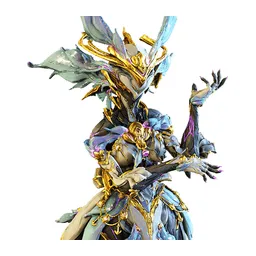 Yareli Prime
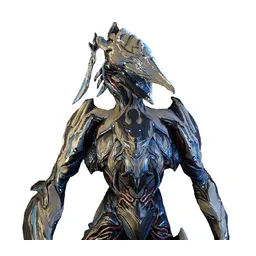 Zephyr
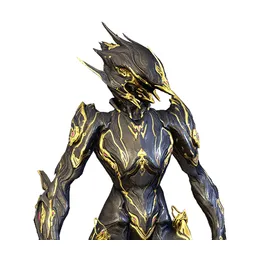 Zephyr Prime
Drag the 120 items below into the tiers that match how you rank them. Rename any row, change its colour, add your own pictures, then save the chart as an image.






















How to rank Warframe
The quickest way through 120 items is to make two passes. On the first pass place only the ones you are certain about, such as Ash or Titania. On the second pass compare what is left against the items already in a tier, which is far easier than ranking from an empty board.
What the tiers mean here
S tier is normally the picks that win games on their own, A the reliable ones, and the bottom rows the picks that need a lot of work to pay off. Favourites count too, so if Ash is your main it can sit in S whatever anyone else says.
About this set
There are 120 items here in the Video Games section, each with its own picture. taken from the game's own art and its community wiki. You can edit the set freely, so add what is missing, drop what you do not want, and the chart is yours.
Questions about this tier list
How many items are in the Warframe tier list?
Can I add something that is missing from Warframe?
How do I share my Warframe ranking?
Ready to make a tier list?
Scroll back up, add your items, drag them into tiers and download the image. No sign-up, and nothing you make is stored on our servers.