Warframe Weapon Tier List Maker
All 104 Prime weapons in Warframe, each with its official in-game picture, ready to rank.
Items to rank
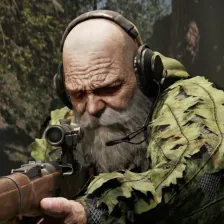
104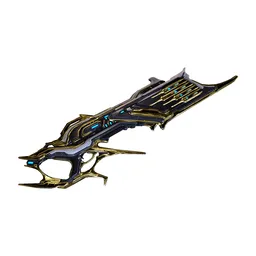 Acceltra Prime
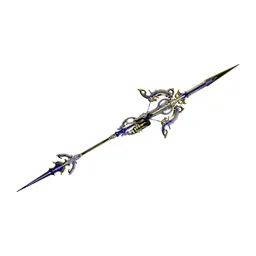 Afentis Prime
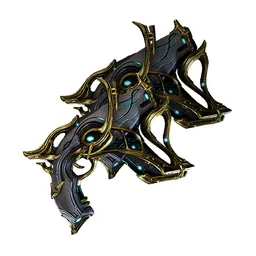 Afuris Prime
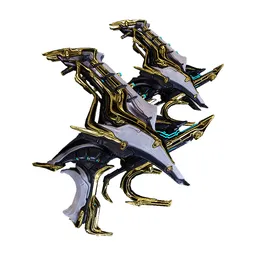 Akarius Prime
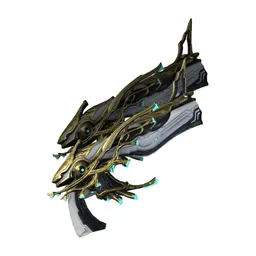 Akbolto Prime
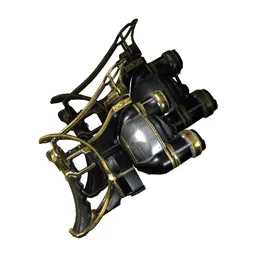 Akbronco Prime
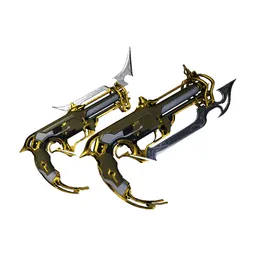 Akjagara Prime
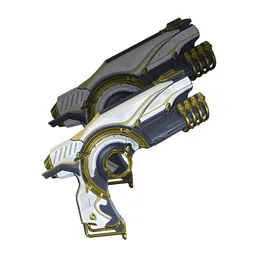 Aklex Prime
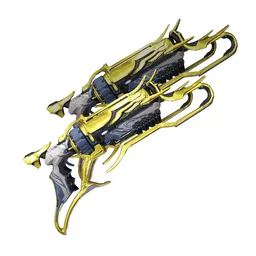 Akmagnus Prime
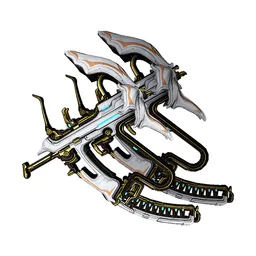 Aksomati Prime
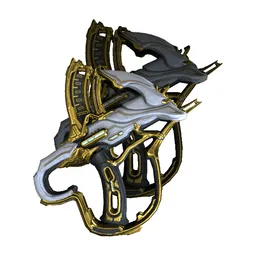 Akstiletto Prime
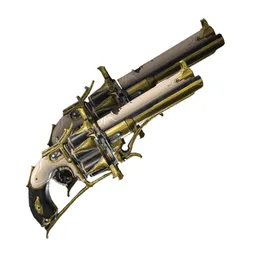 Akvasto Prime
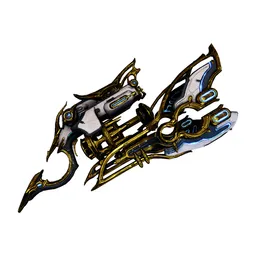 Alternox Prime
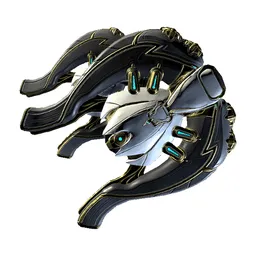 Ankyros Prime
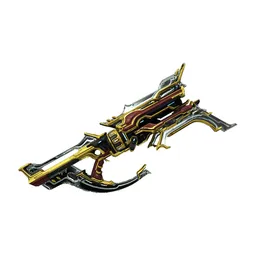 Astilla Prime
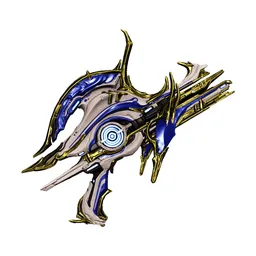 Athodai Prime
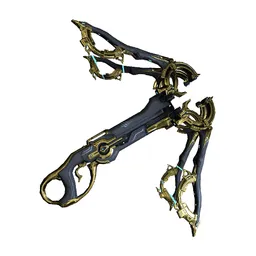 Ballistica Prime
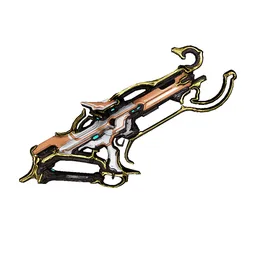 Baza Prime
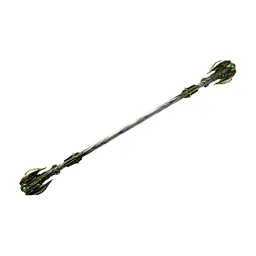 Bo Prime
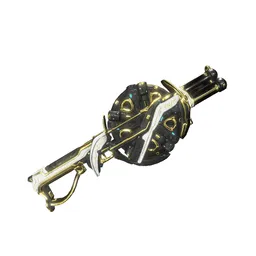 Boar Prime
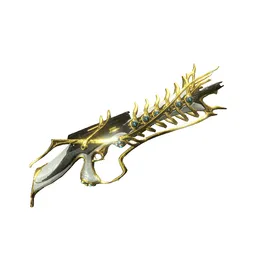 Boltor Prime
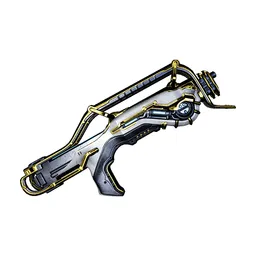 Braton Prime
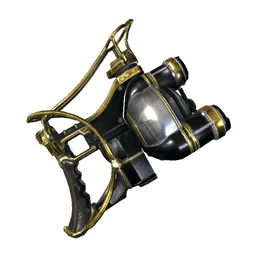 Bronco Prime
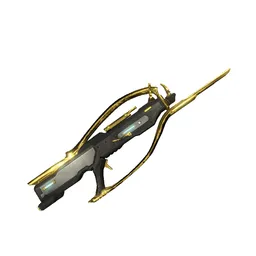 Burston Prime
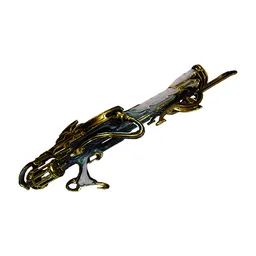 Cedo Prime
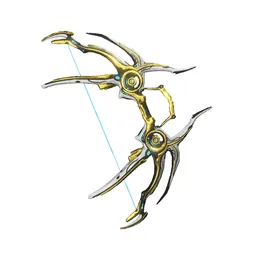 Cernos Prime
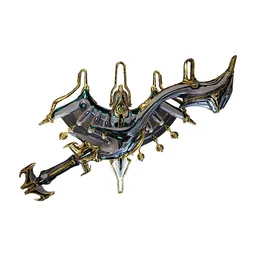 Cobra & Crane Prime
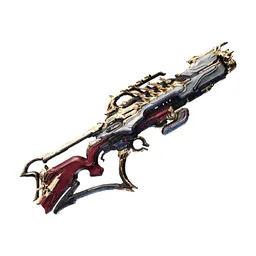 Corinth Prime
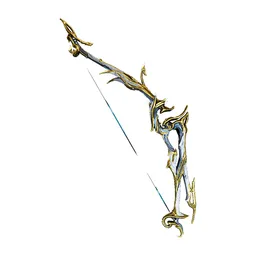 Daikyu Prime
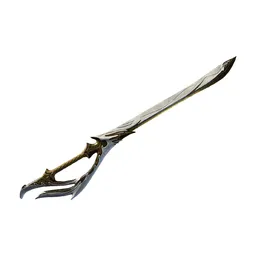 Dakra Prime
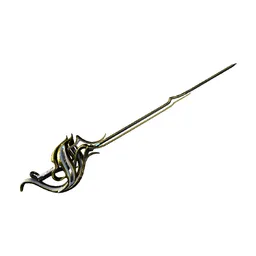 Destreza Prime
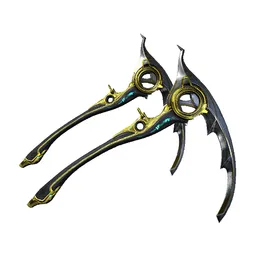 Dual Kamas Prime
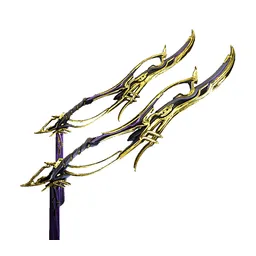 Dual Keres Prime
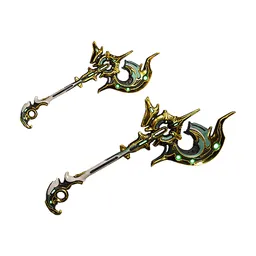 Dual Zoren Prime
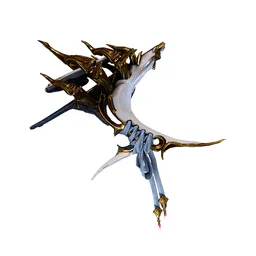 Epitaph Prime
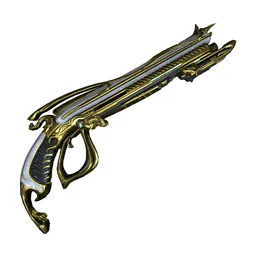 Euphona Prime
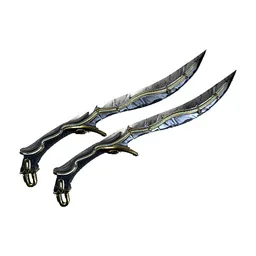 Fang Prime
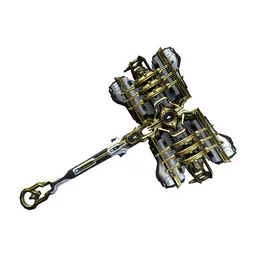 Fragor Prime
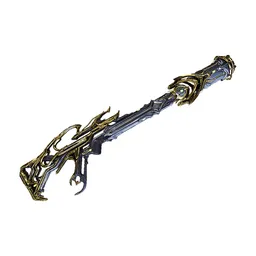 Fulmin Prime
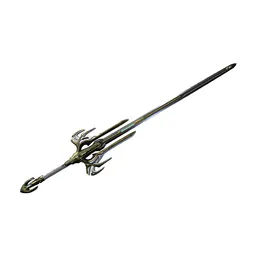 Galatine Prime
 Glaive Prime
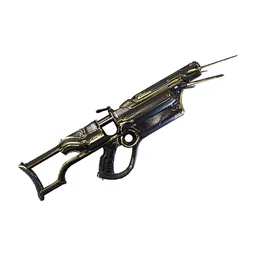 Gotva Prime
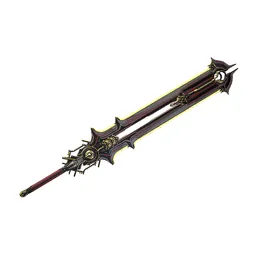 Gram Prime
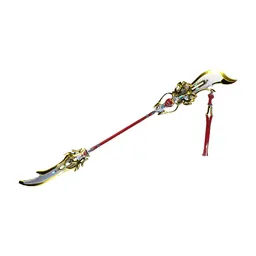 Guandao Prime
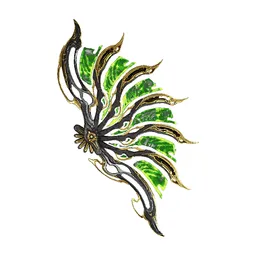 Gunsen Prime
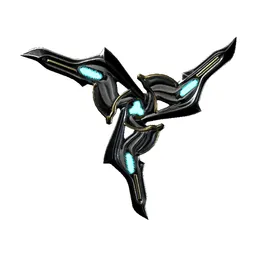 Hikou Prime
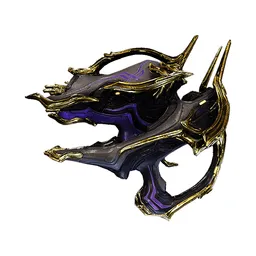 Hystrix Prime
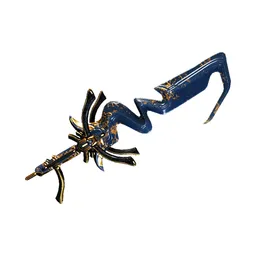 Karyst Prime
 Kestrel Prime
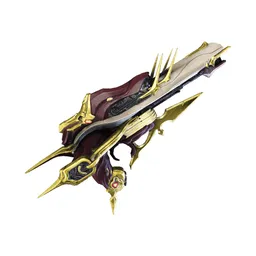 Knell Prime
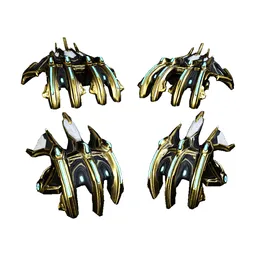 Kogake Prime
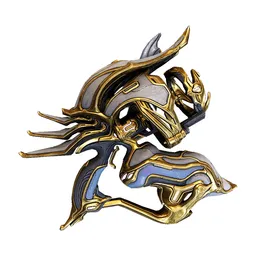 Kompressa Prime
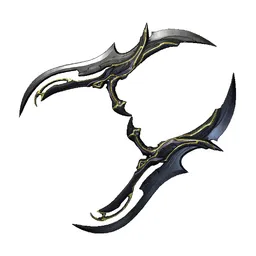 Kronen Prime
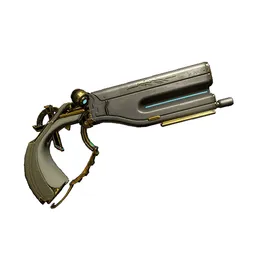 Lato Prime
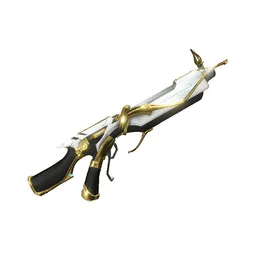 Latron Prime
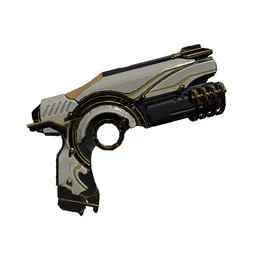 Lex Prime
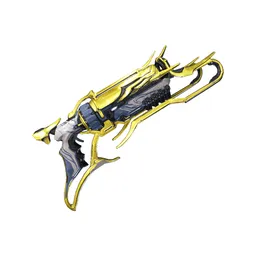 Magnus Prime
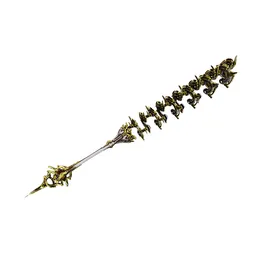 Masseter Prime
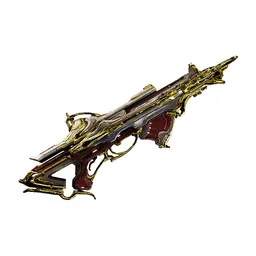 Nagantaka Prime
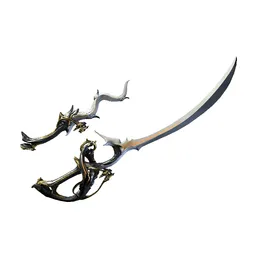 Nami Skyla Prime
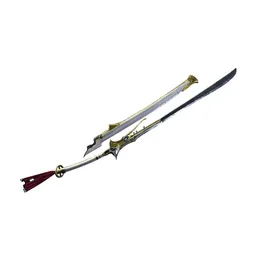 Nikana Prime
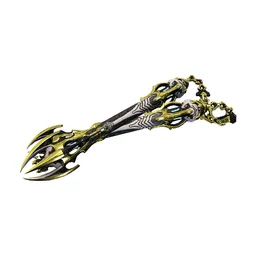 Ninkondi Prime
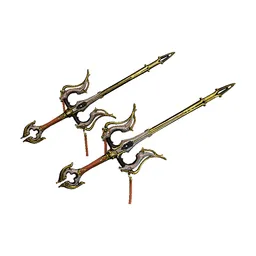 Okina Prime
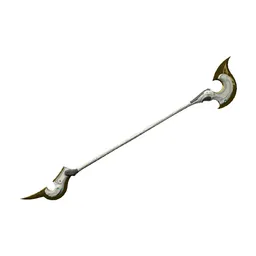 Orthos Prime
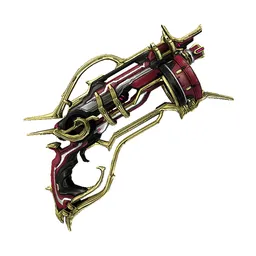 Pandero Prime
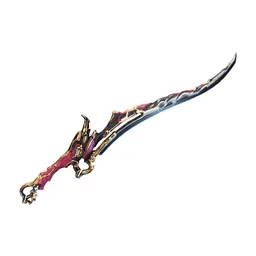 Pangolin Prime
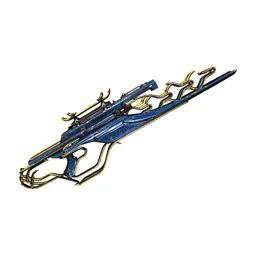 Panthera Prime
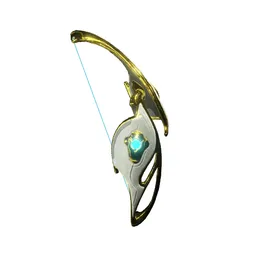 Paris Prime
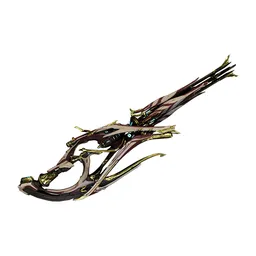 Perigale Prime
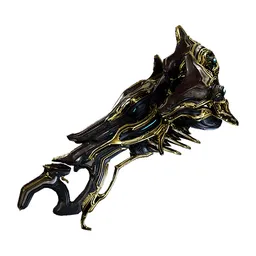 Phantasma Prime
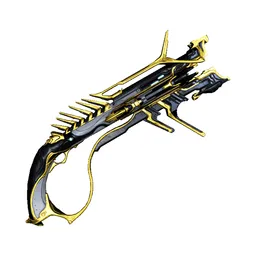 Pyrana Prime
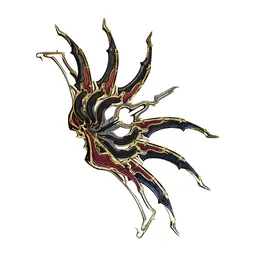 Quassus Prime
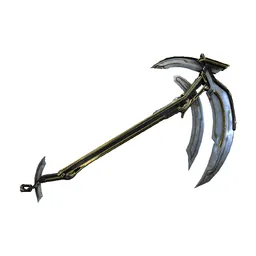 Reaper Prime
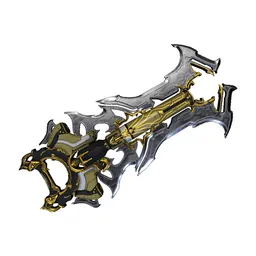 Redeemer Prime
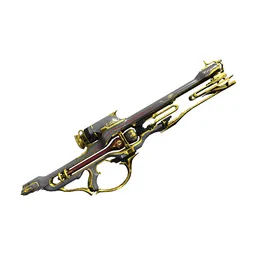 Rubico Prime
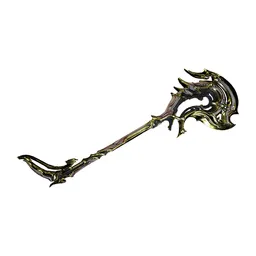 Sarofang Prime
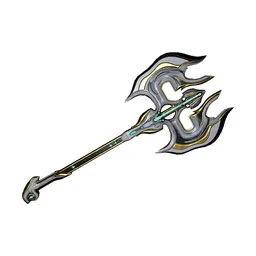 Scindo Prime
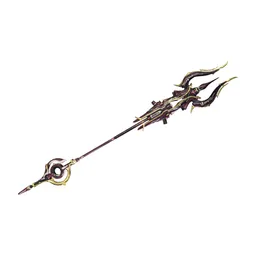 Scourge Prime
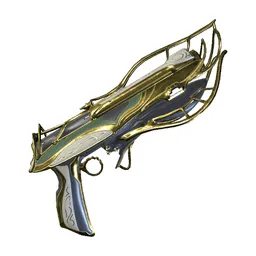 Sicarus Prime
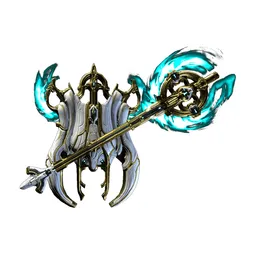 Silva & Aegis Prime
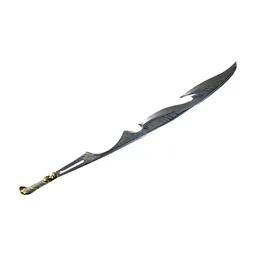 Skana Prime
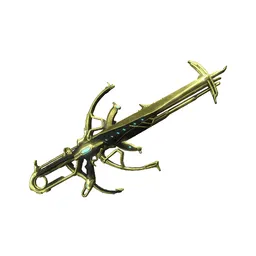 Soma Prime
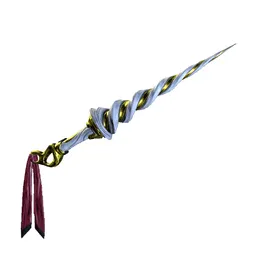 Spira Prime
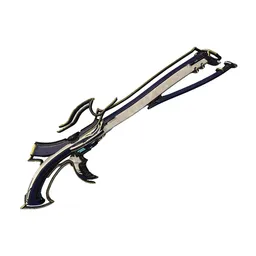 Stradavar Prime
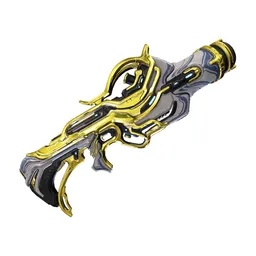 Strun Prime
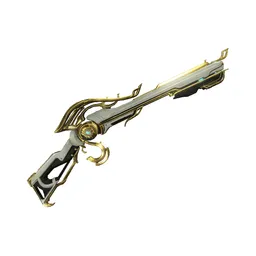 Sybaris Prime
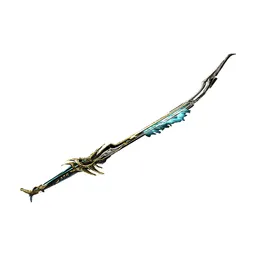 Tatsu Prime
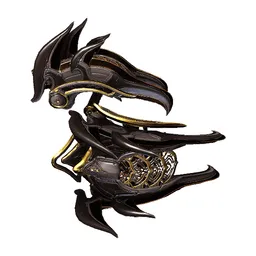 Tekko Prime
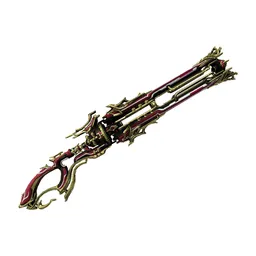 Tenora Prime
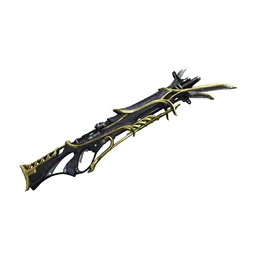 Tiberon Prime
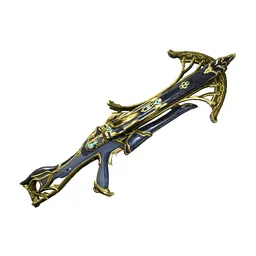 Tigris Prime
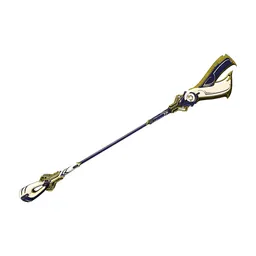 Tipedo Prime
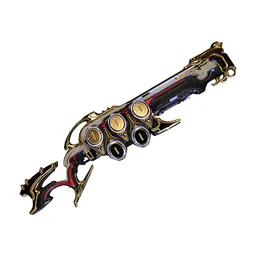 Trumna Prime
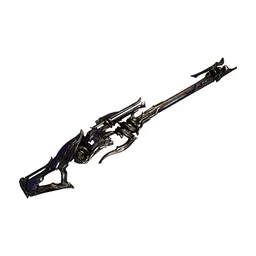 Vadarya Prime
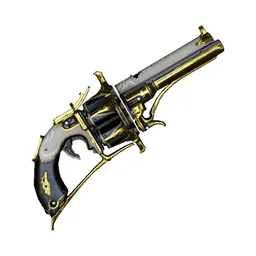 Vasto Prime
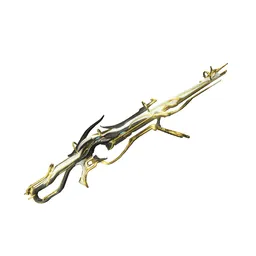 Vectis Prime
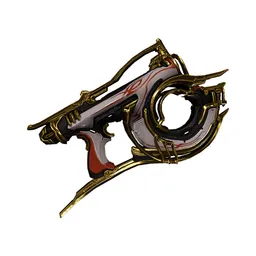 Velox Prime
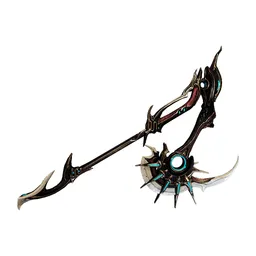 Venato Prime
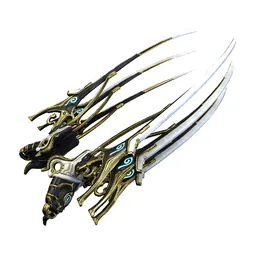 Venka Prime
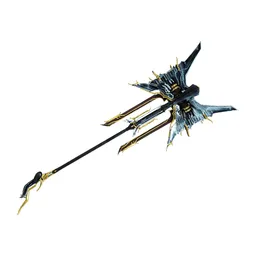 Volnus Prime
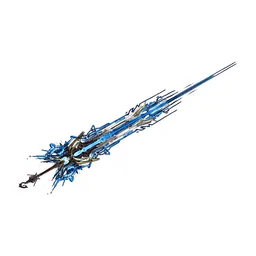 War Prime
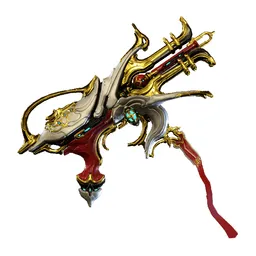 Zakti Prime
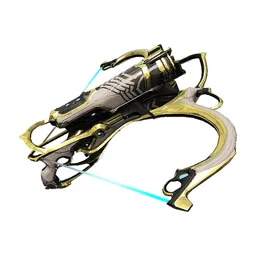 Zhuge Prime
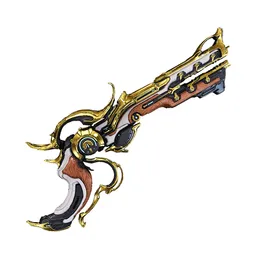 Zylok Prime
Drag the 104 items below into the tiers that match how you rank them. Rename any row, change its colour, add your own pictures, then save the chart as an image.

































How to rank Warframe Weapon
Drag Acceltra Prime into the row you think it belongs in and the rest becomes easier, because every later choice is a comparison rather than a guess. If two items keep swapping places, put them side by side in the same tier and move on. A tier list is meant to settle arguments, not start them with yourself.
What the tiers mean here
S tier is normally the picks that win games on their own, A the reliable ones, and the bottom rows the picks that need a lot of work to pay off. Favourites count too, so if Acceltra Prime is your main it can sit in S whatever anyone else says.
About this set
There are 104 items here in the Video Games section, each with its own picture. taken from the game's own art and its community wiki. You can edit the set freely, so add what is missing, drop what you do not want, and the chart is yours.
Questions about this tier list
How many items are in the Warframe Weapon tier list?
Can I add something that is missing from Warframe Weapon?
How do I share my Warframe Weapon ranking?
Ready to make a tier list?
Scroll back up, add your items, drag them into tiers and download the image. No sign-up, and nothing you make is stored on our servers.