Tekken 8 Tier List Maker
All 48 fighters in Tekken 8, each with its official in-game picture, ready to rank.
Items to rank
48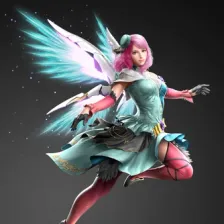 Alisa Bosconovitch
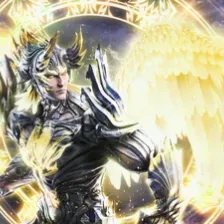 Angel Jin
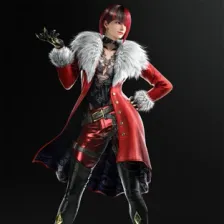 Anna Williams
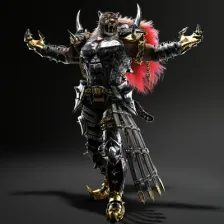 Armor King II
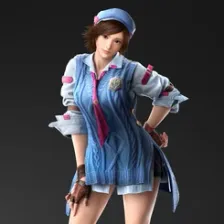 Asuka Kazama
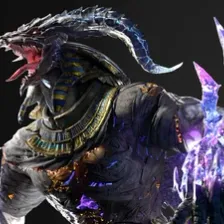 Azazel
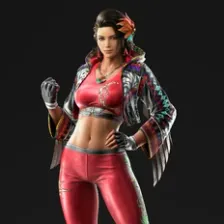 Azucena Ortiz
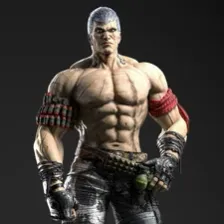 Bryan Fury
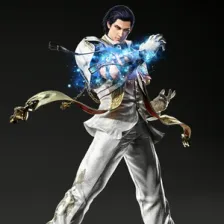 Claudio Serafino
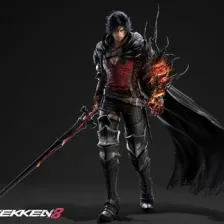 Clive Rosfield
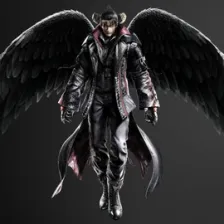 Devil Jin
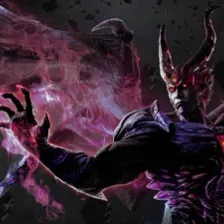 Devil Kazuya
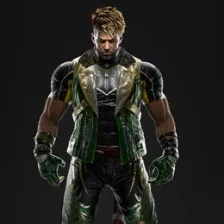 Eddy Gordo
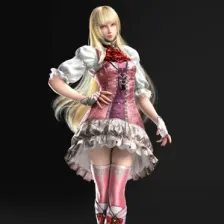 Emilie de Rochefort
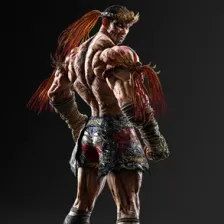 Fahkumram
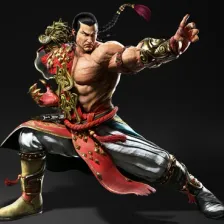 Feng Wei
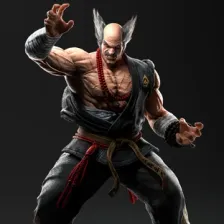 Heihachi Mishima
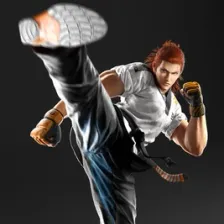 Hwoarang
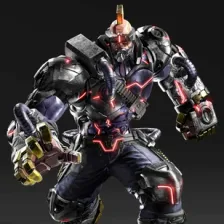 Jack
Jack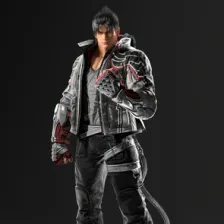 Jin Kazama
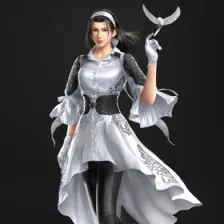 Jun Kazama
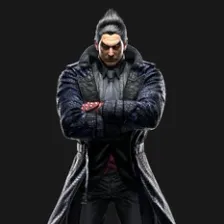 Kazuya Mishima
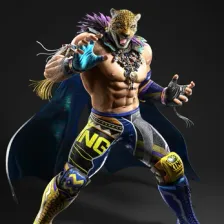 King II
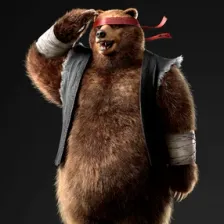 Kuma II
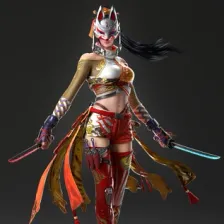 Kunimitsu II
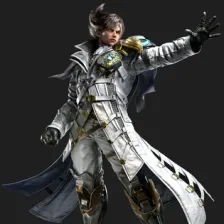 Lars Alexandersson
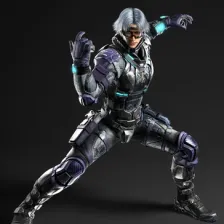 Lee Chaolan
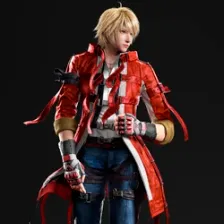 Leo Kliesen
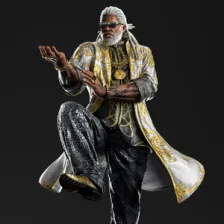 Leroy Smith
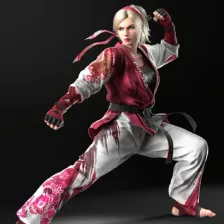 Lidia Sobieska
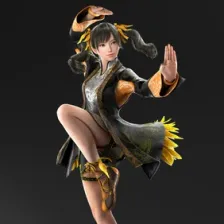 Ling Xiaoyu
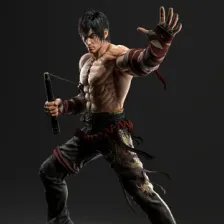 Marshall Law
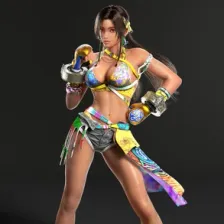 Miary Zo
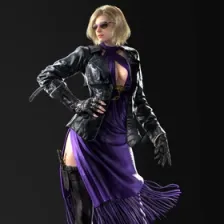 Nina Williams
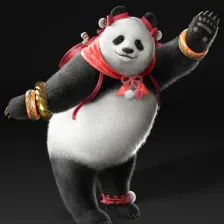 Panda
Panda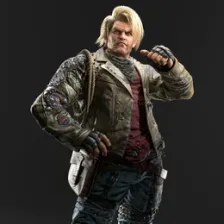 Paul Phoenix
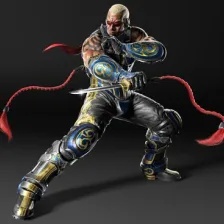 Raven
Raven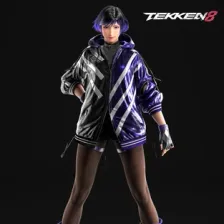 Reina
Reina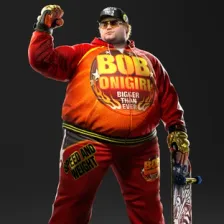 Robert Richards
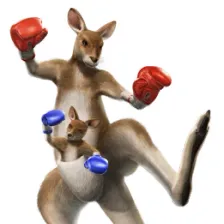 Roger Jr.
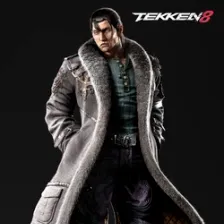 Sergei Dragunov
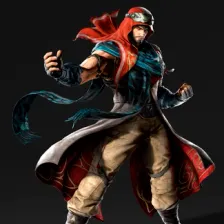 Shaheen
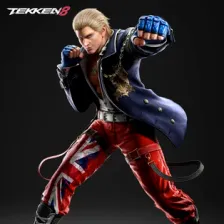 Steve Fox
 Tekken Monks
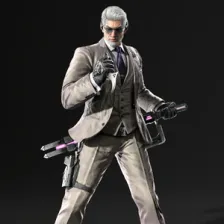 Victor Chevalier
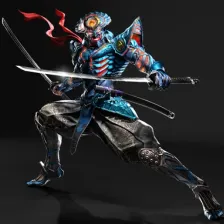 Yoshimitsu
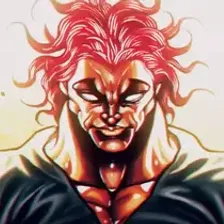 Yujiro Hanma
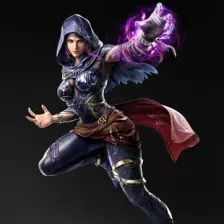 Zafina
Drag the 48 items below into the tiers that match how you rank them. Rename any row, change its colour, add your own pictures, then save the chart as an image.









How to rank Tekken 8
Start with the ones you already feel strongly about. Alisa Bosconovitch and Kazuya Mishima usually land in a tier within a second, and once the obvious picks are placed the 48 items left in the middle are the ones worth thinking about. Move anything you are unsure of into one row, then split that row in two.
What the tiers mean here
S tier is normally the picks that win games on their own, A the reliable ones, and the bottom rows the picks that need a lot of work to pay off. Favourites count too, so if Alisa Bosconovitch is your main it can sit in S whatever anyone else says.
About this set
There are 48 items here in the Video Games section, each with its own picture. taken from the game's own art and its community wiki. You can edit the set freely, so add what is missing, drop what you do not want, and the chart is yours.
Questions about this tier list
How many items are in the Tekken 8 tier list?
Can I add something that is missing from Tekken 8?
How do I share my Tekken 8 ranking?
Ready to make a tier list?
Scroll back up, add your items, drag them into tiers and download the image. No sign-up, and nothing you make is stored on our servers.