Summer 2023 Anime Tier List Maker
Everything that aired in the Summer 2023 season, ranked by you.
Items to rank
20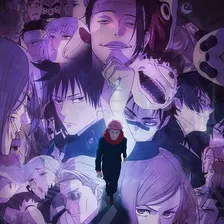 Jujutsu Kaisen Season 2
 Mushoku Tensei: Isekai Ittara Honki Dasu Season 2
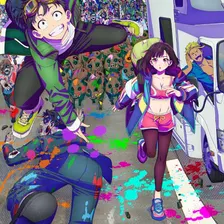 Zom 100: Zombie ni Naru made ni Shitai 100 no Koto
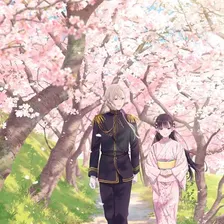 Watashi no Shiawase na Kekkon
 BLEACH: Sennen Kessen-hen - Ketsubetsu-tan
 Horimiya -piece-
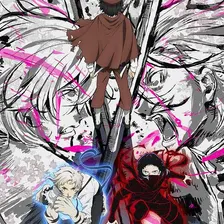 Bungou Stray Dogs 5th Season
 Masamune-kun no Revenge R
 Jitsu wa Ore, Saikyou Deshita?
 Suki na Ko ga Megane wo Wasureta
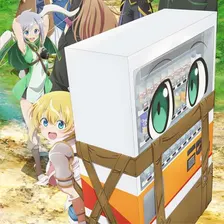 Jidou Hanbaiki ni Umarekawatta Ore wa Meikyuu wo Samayou
 Nanatsu no Maken ga Shihai Suru
 Liar Liar
 Undead Girl Murder Farce
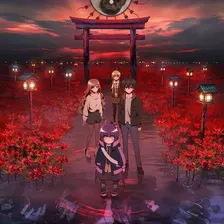 Dark Gathering
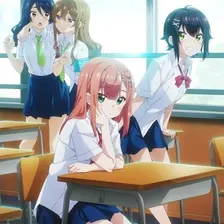 Yumemiru Danshi wa Genjitsushugisha
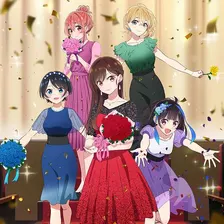 Kanojo, Okarishimasu Season 3
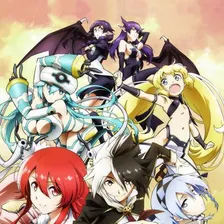 Eiyuu Kyoushitsu
 Level 1 dakedo Unique Skill de Saikyou desu
 Rurouni Kenshin: Meiji Kenkaku Romantan (2023)
Drag the 20 items below into the tiers that match how you rank them. Rename any row, change its colour, add your own pictures, then save the chart as an image.





























How to rank Summer 2023 Anime
The quickest way through 20 items is to make two passes. On the first pass place only the ones you are certain about, such as Jujutsu Kaisen Season 2 or Kanojo, Okarishimasu Season 3. On the second pass compare what is left against the items already in a tier, which is far easier than ranking from an empty board.
What the tiers mean here
Rank by how much you enjoyed them rather than by what is supposed to be good. If Jujutsu Kaisen Season 2 meant something to you and Suki na Ko ga Megane wo Wasureta did not, the rows should say so. That is the whole point of making your own chart instead of reading someone else's.
About this set
This set holds 20 items, filed under Anime and Manga. Every item comes with a picture, sourced from Wikipedia and other open references. Nothing is fixed: add your own images, rename a tier, change the colours, or delete anything you do not care about before you start.
Questions about this tier list
How many items are in the Summer 2023 Anime tier list?
Can I add something that is missing from Summer 2023 Anime?
How do I share my Summer 2023 Anime ranking?
Ready to make a tier list?
Scroll back up, add your items, drag them into tiers and download the image. No sign-up, and nothing you make is stored on our servers.